


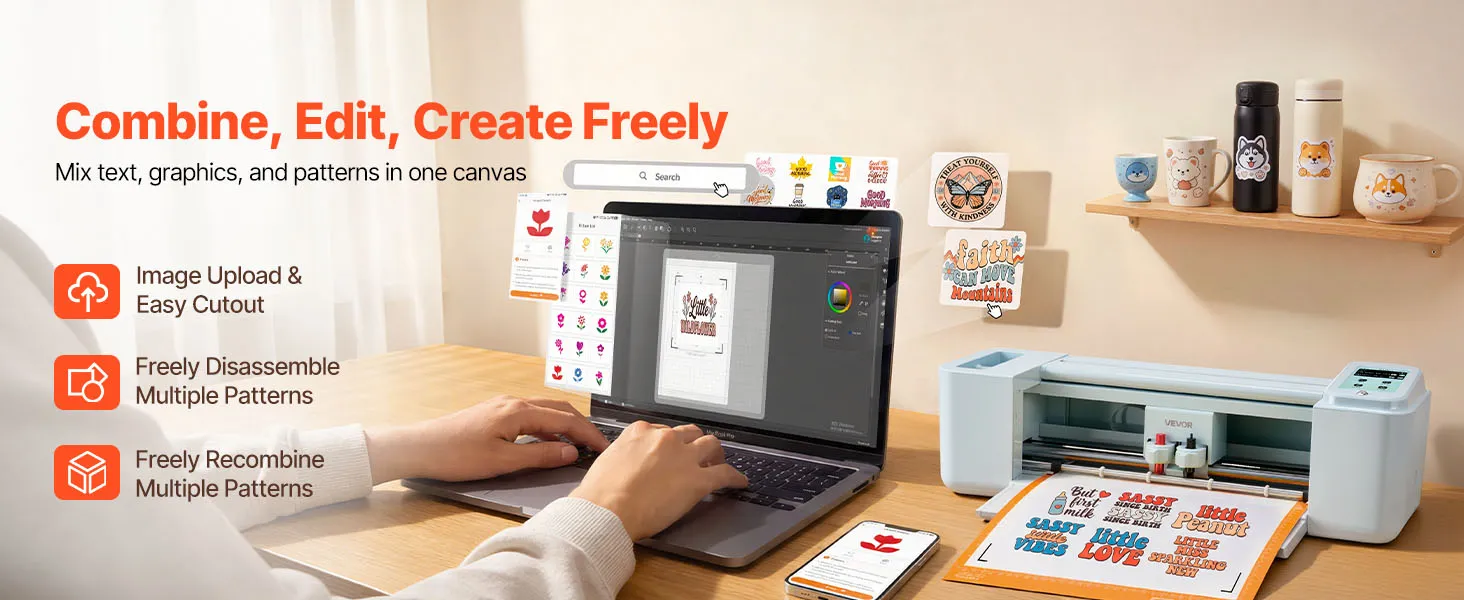
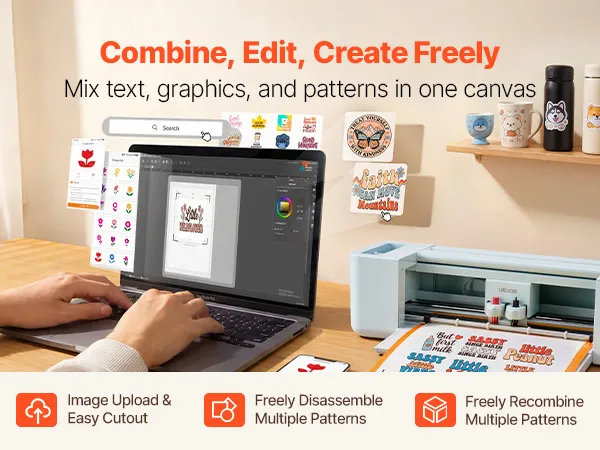
- Includes design software for free online and offline creation with ongoing updates
- Supports multiple file formats for precise and detailed designs
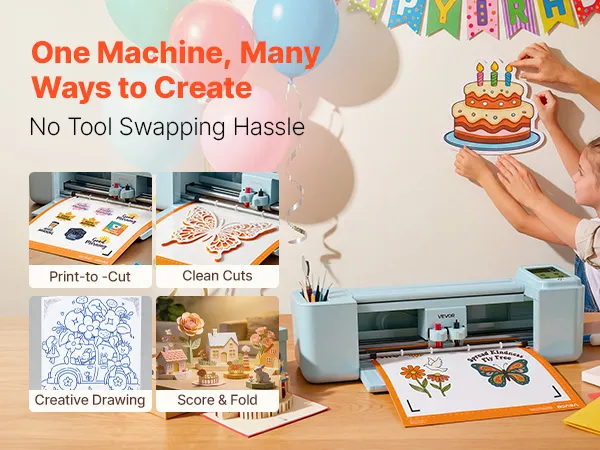
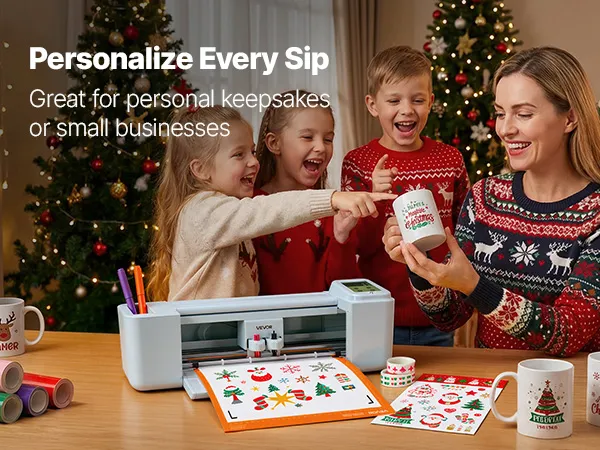
- Cuts, writes, and scores various materials for versatile DIY projects
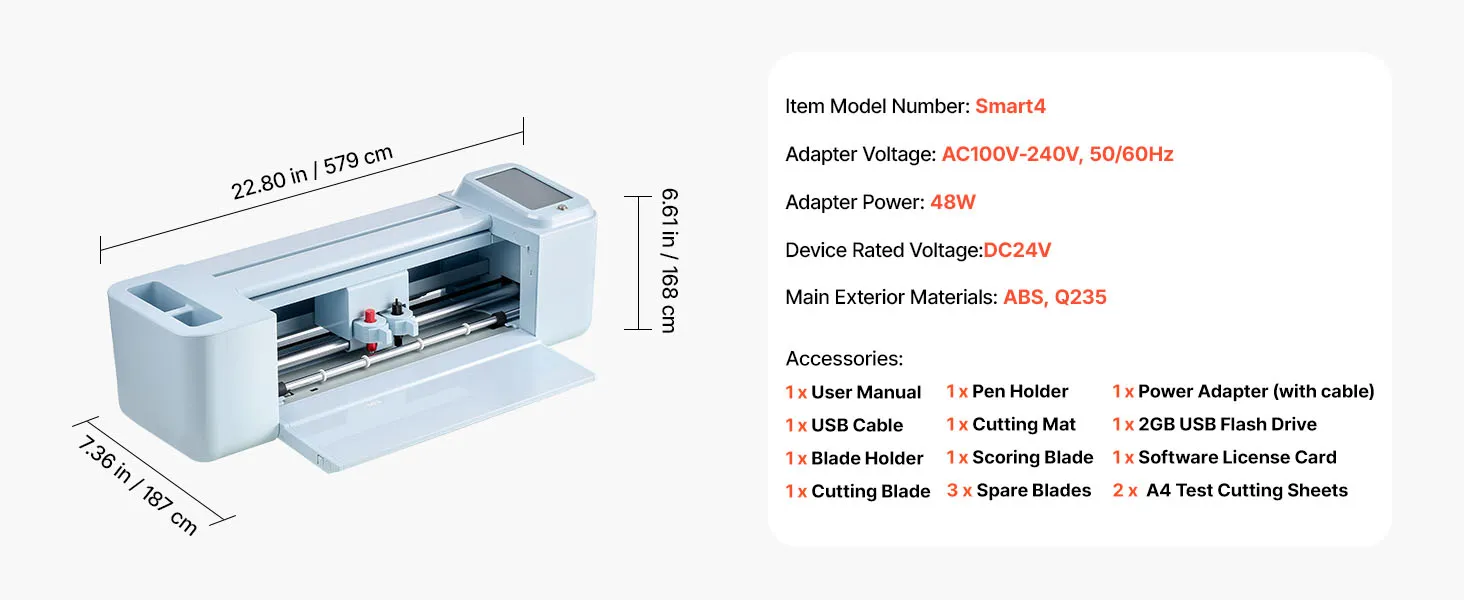
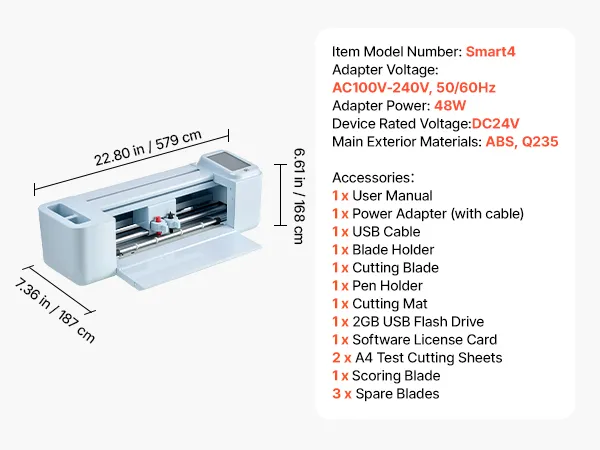
- Item Model Number smart4
- Adapter Voltage AC100V-240V, 50/60Hz
- Adapter Power 48W
- Device Rated Voltage DC24V
- Main Exterior Materials ABS, Q235

About this item



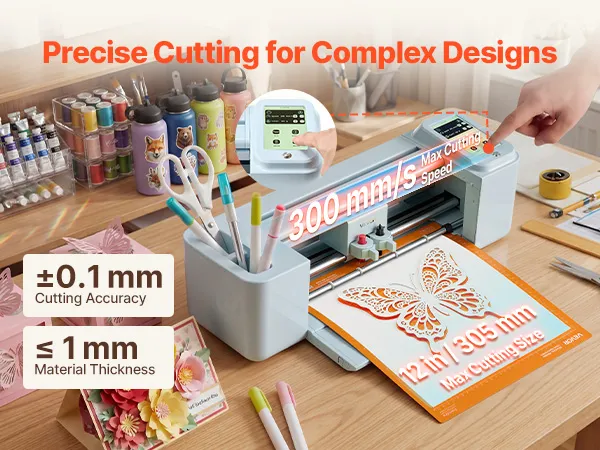
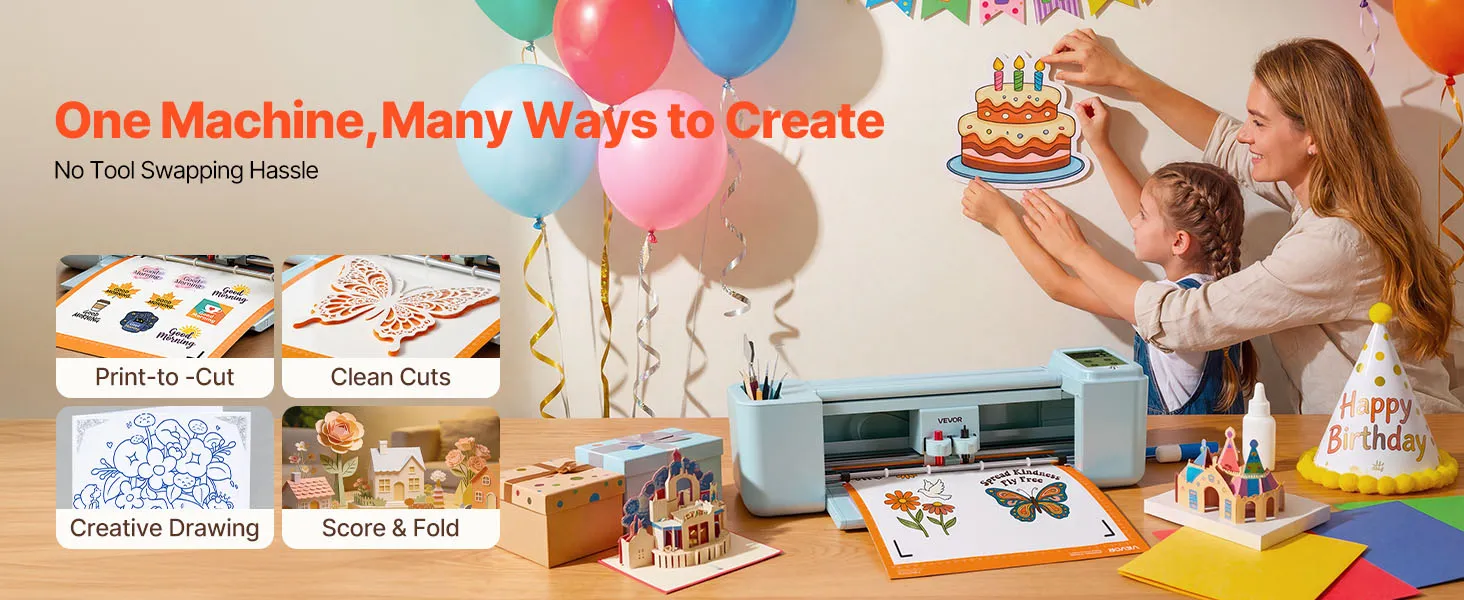
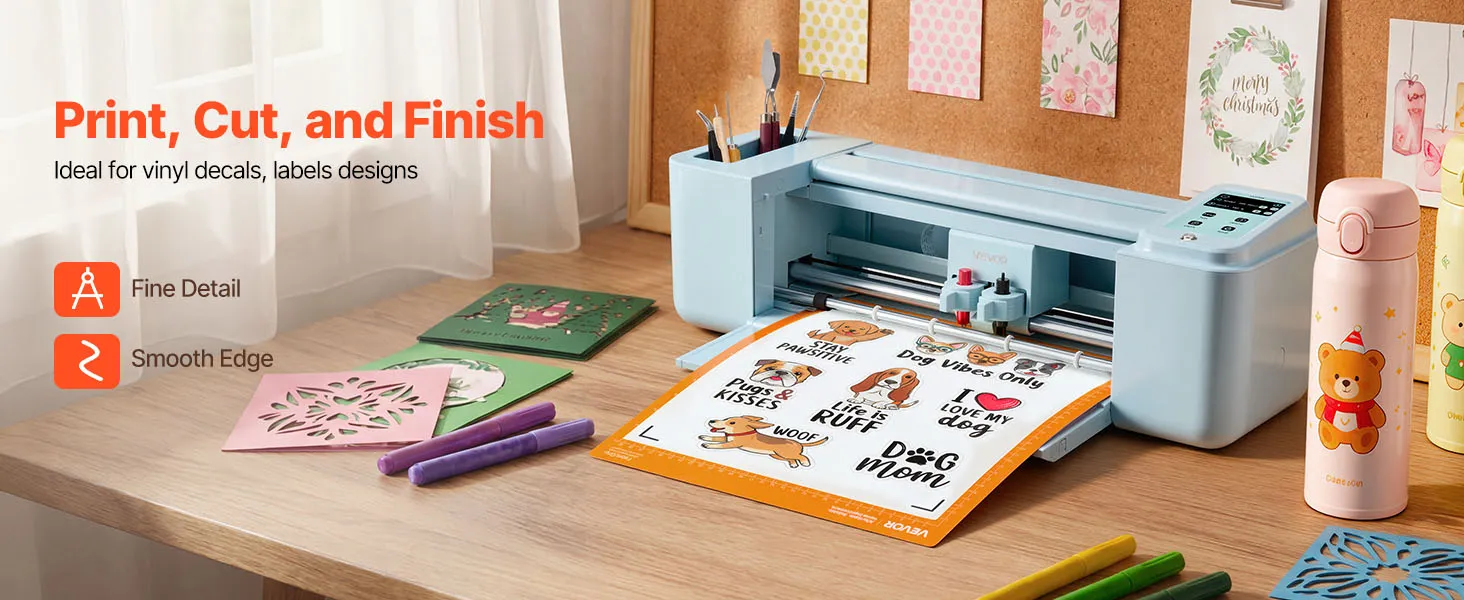
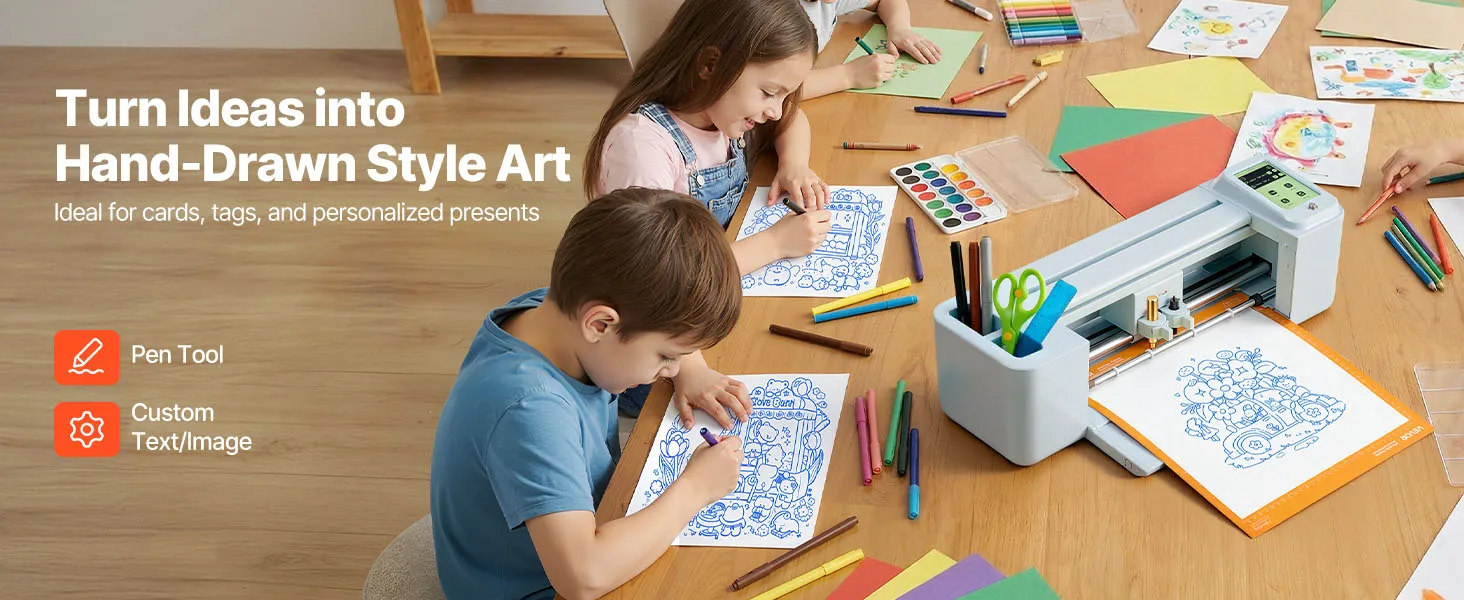
VEVOR 305 mm Vinyl Cutter Plotter With Touchscreen Control Redefines Precision Craft Production
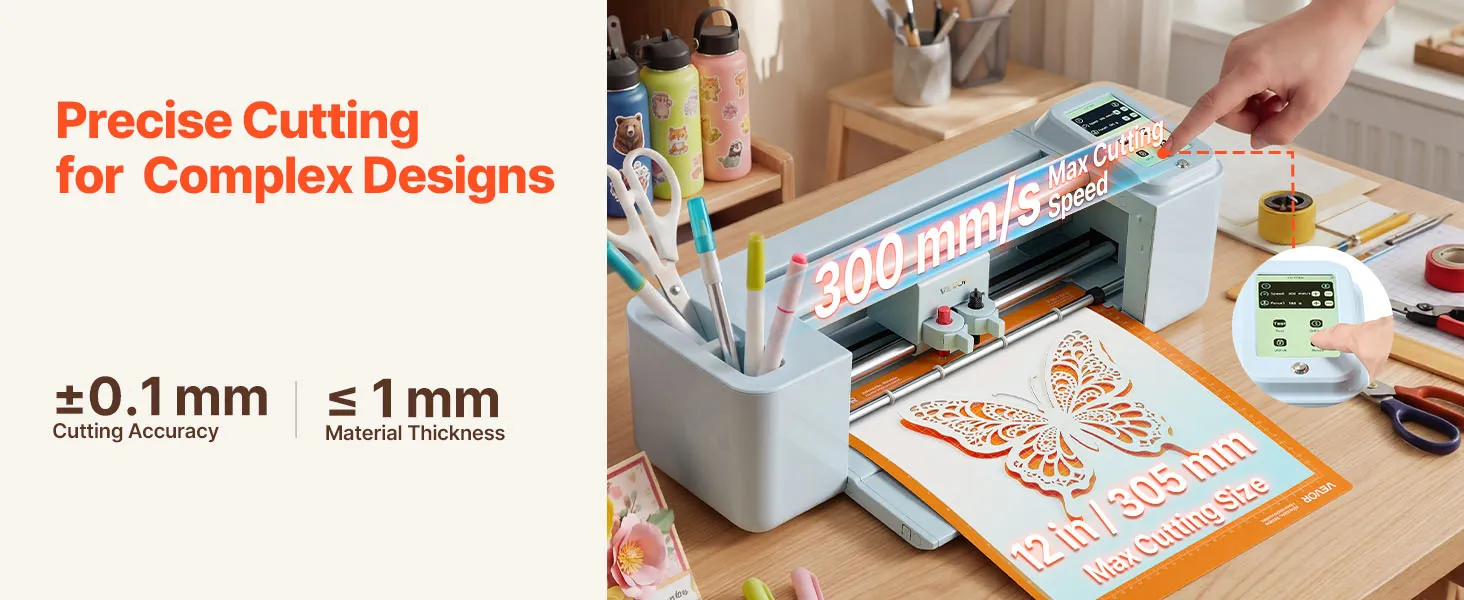
The VEVOR vinyl cutter plotter has a 305 mm cutting path and a separate touchscreen control interface. This feature means it offers professional-grade plotter functionality in a small desktop footprint. Touchscreen navigation eliminates the need for physical buttons common on lower-tier machines. It lets operators access settings, switch modes, and manage files directly on the screen during setup and operation.
Touchscreen-driven plotters provide real-time feedback during job setup, reducing operator error in production settings where speed and repeatability are important. You can directly control the cutting parameters, such as pressure, speed, and blade depth. It means your vinyl cutter consistently produces clean output on the same jobs without needing to be recalibrated by hand between runs.
5000+ Onboard Design Resources Eliminate Subscription Costs Across Full Lifespan
This vinyl cutter comes with over 5,000 built-in design resources, available without a monthly fee. It is different from other plotters that lock core design libraries behind monthly payment tiers. The software supports online and offline use, so your design options grow over time without any extra cost.
For small-batch producers and hobbyists, this bundled approach changes how they calculate the total cost of ownership. A plotter that doesn't require a software subscription pays for itself faster, especially for operators who do multiple projects each month and would otherwise have to pay a lot for design tools on a per-use or subscription basis.
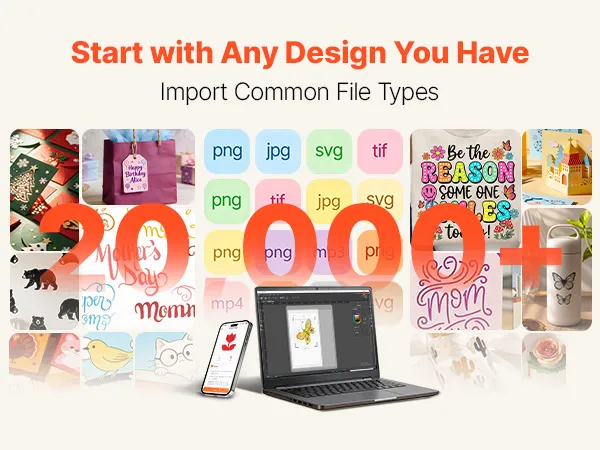
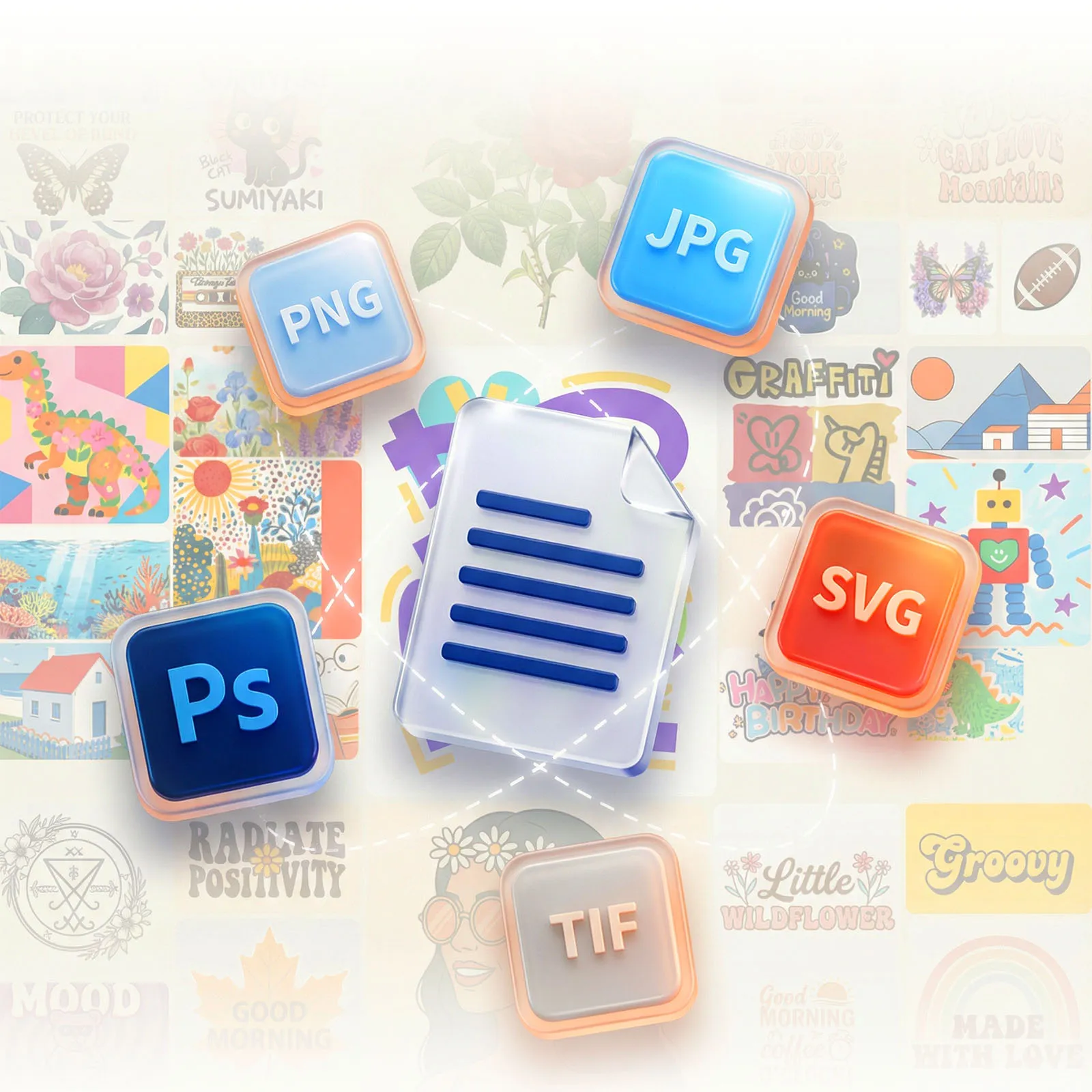
4-Format File Support Across PNG, JPG, SVG, and TIF Gives Universal Design Compatibility
One of the most common problems with plotter-based production workflows is that file formats are too rigid. This cutter plotter resolves that problem by supporting PNG, JPG, SVG, and TIF formats natively. These formats include both raster and vector files that designers of all skill levels and software environments actually make. There is less need to convert artwork before sending it to the cutter.
SVG support is especially important for plotters because scalable vector files keep edges sharp at any output size. This means that fine typography, detailed logos, and layered geometric patterns can be cut without loss of quality when transferred to vinyl. TIF support enables working with high-resolution scanned artwork and professional print production files that other budget plotters typically won't accept.
Triple-Operation Cutting, Writing, and Scoring Capability Makes a Multi-Function Production Tool
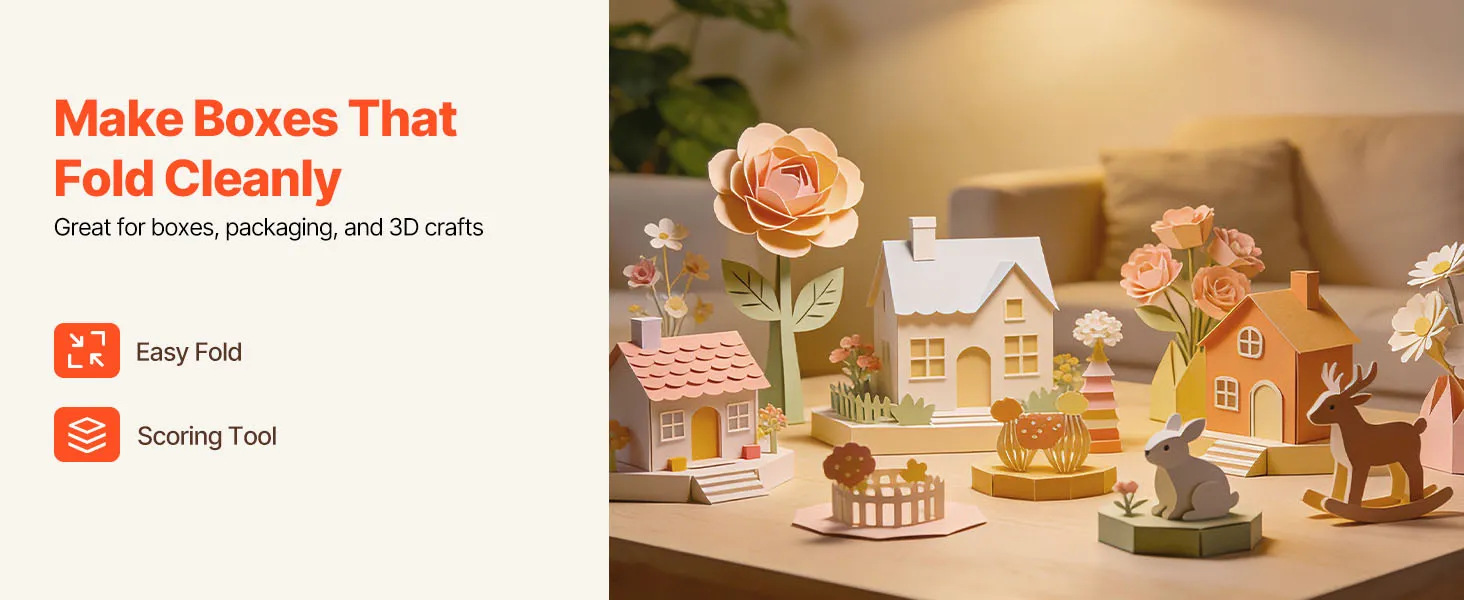
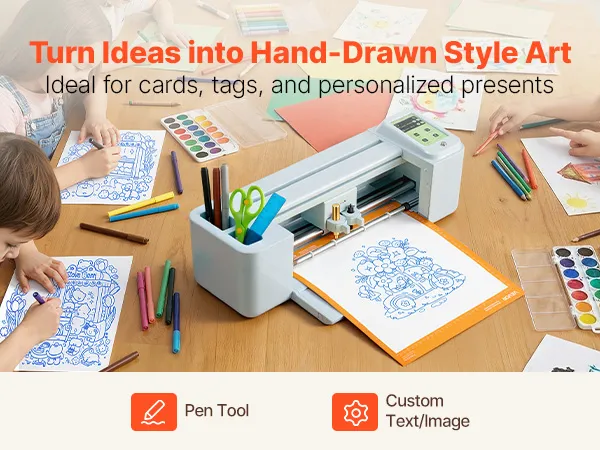
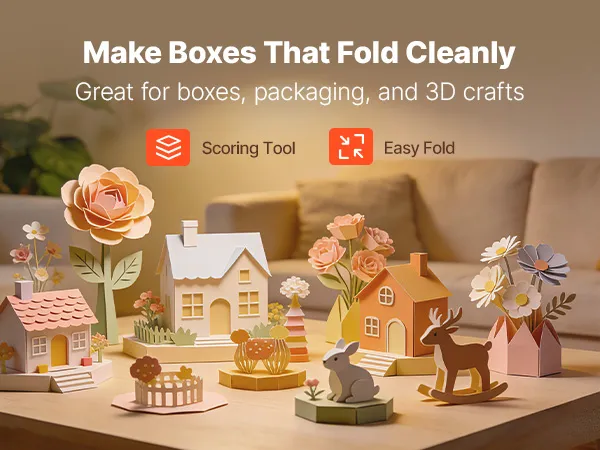
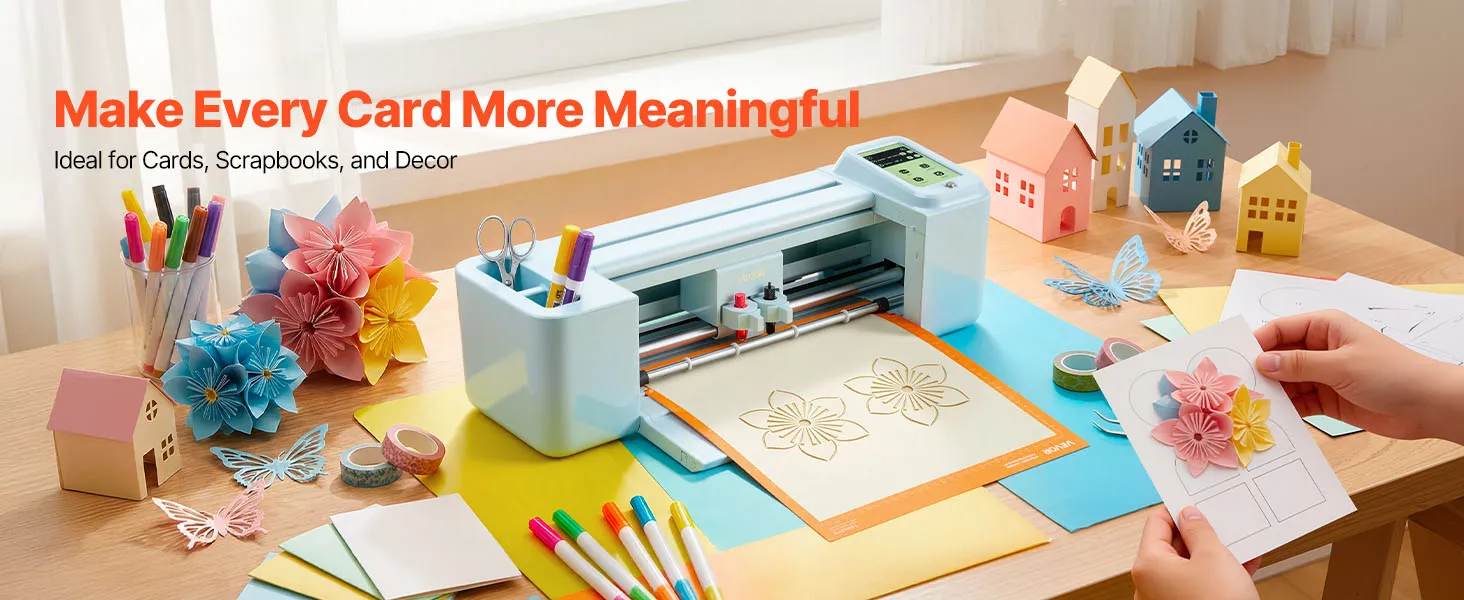
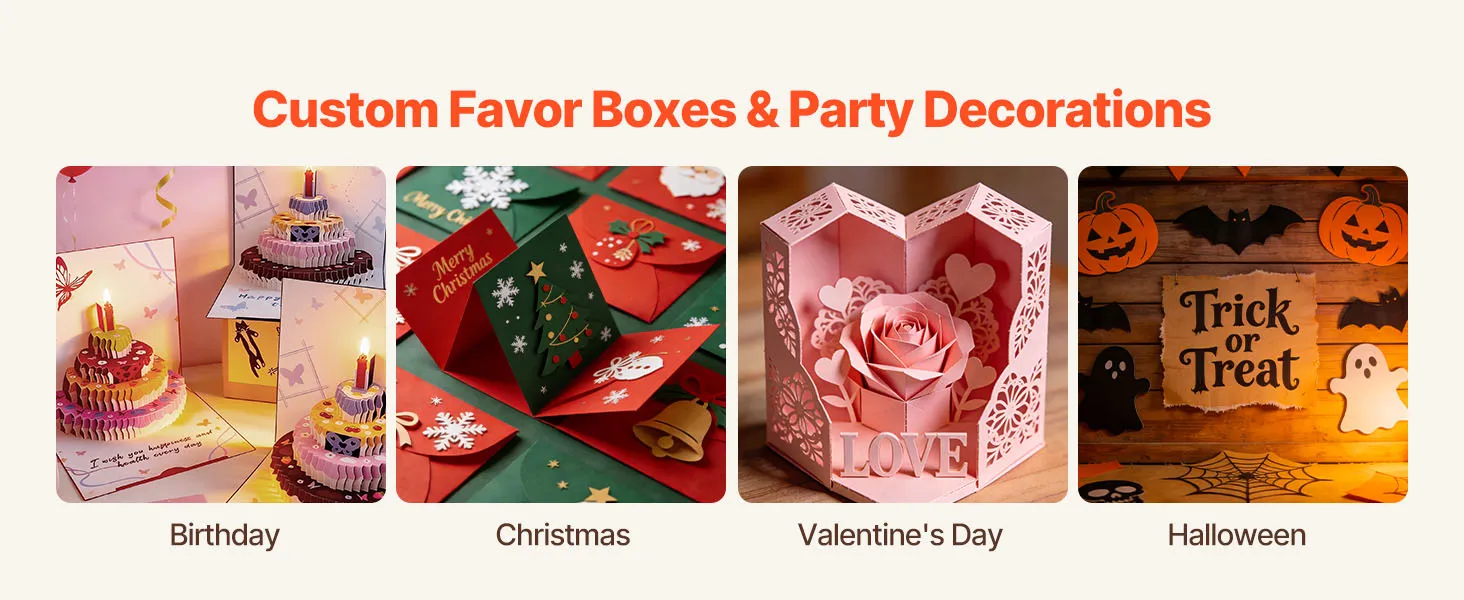
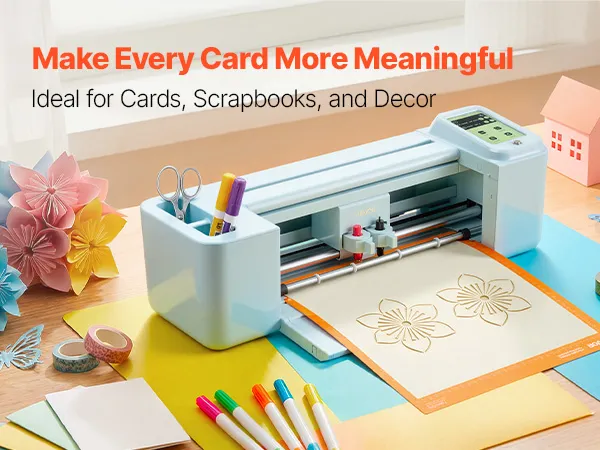
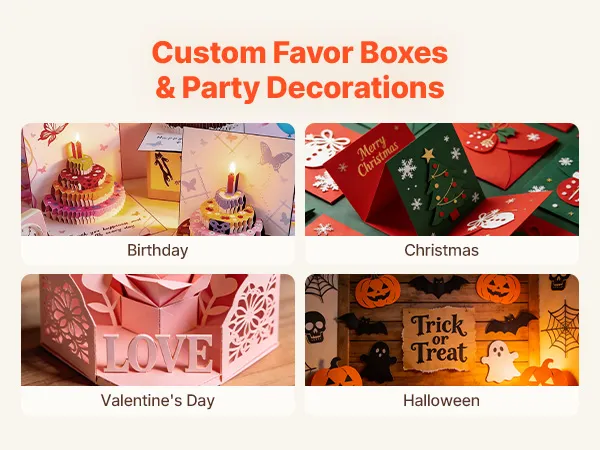
Most vinyl plotters can only cut. This vinyl cutter can perform three different production tasks from a single piece of hardware: cutting with precision, writing and drawing with a pen, and scoring materials. Scoring functionality makes precise fold lines in cardstock and specialty paper. It is critical for packaging designers, card makers, and anyone else who makes dimensional paper craft projects.
You don't have to change machines or do any complicated reconfiguration to switch between operational modes. It keeps production running smoothly on a variety of project types. You can go from cutting heat transfer vinyl for clothing to scoring and folding cardstock for greeting cards to drawing pen illustrations for custom stationery in one session, all without changing machines or losing setup time.
Bluetooth, USB, and USB Drive Connectivity Across Android 5.1+, iOS 11.0+, Mac, and Windows Maximizes Device Flexibility
This vinyl cutter plotter has three separate ways to connect: Bluetooth wireless, USB cable, and direct USB drive access. It means operators have multiple connection options. Operators can change how they connect without changing the machine's settings, depending on how the workspace is set up, which devices are available, or the size of the files.
This plotter works with Mac, Windows, Android 5.1+, and iOS 11.0+, so it can be used with many devices. Mobile-first creators who work on tablets or smartphones can send cut files via Bluetooth without needing a separate desktop workstation. It makes the vinyl cutter useful for small studios, market vendor setups, and on-location production workflows.
Multi-Substrate Material Handling Across Vinyl, Foil, Cardstock, and Heat Transfer Paper Broadens Output Possibilities
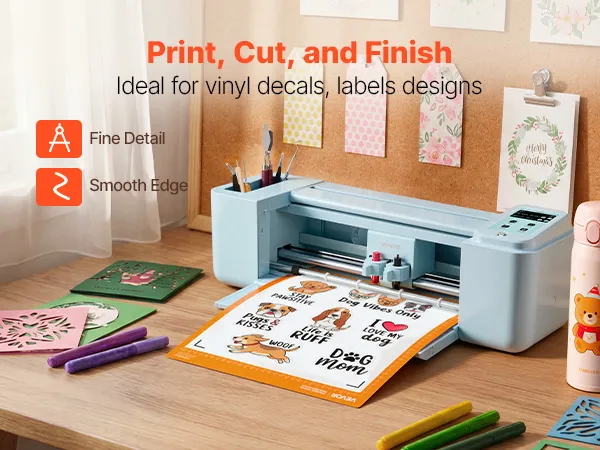
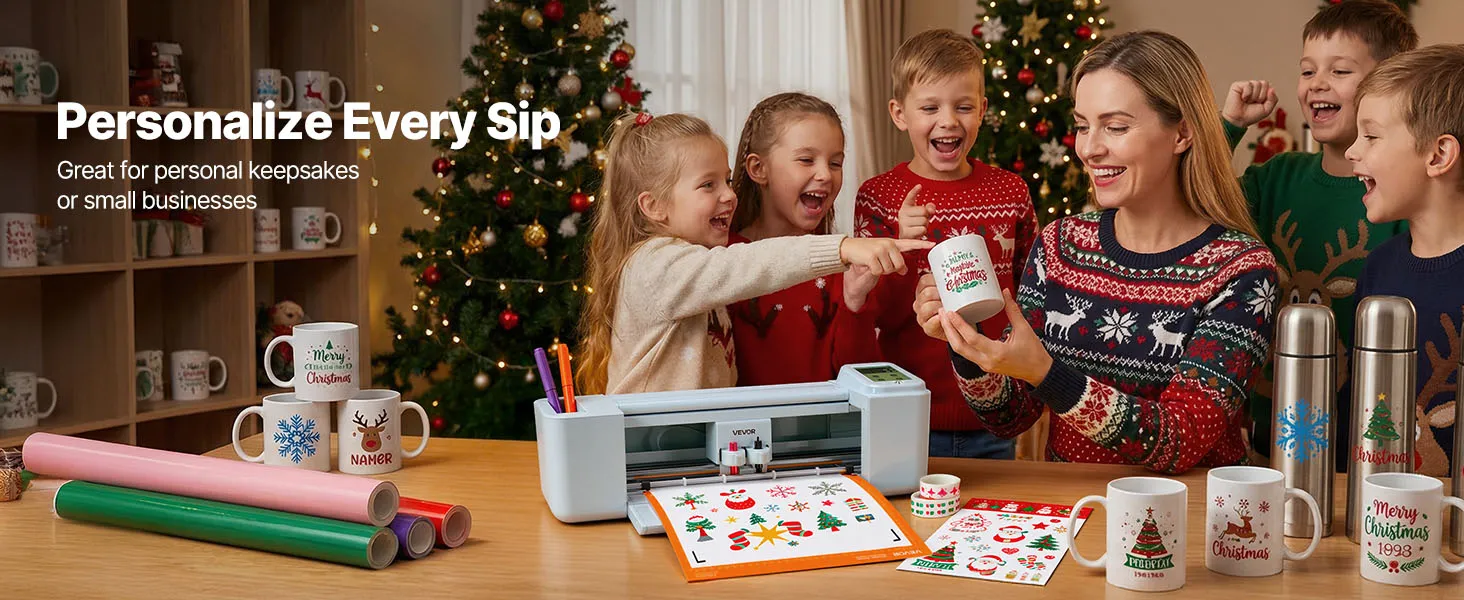
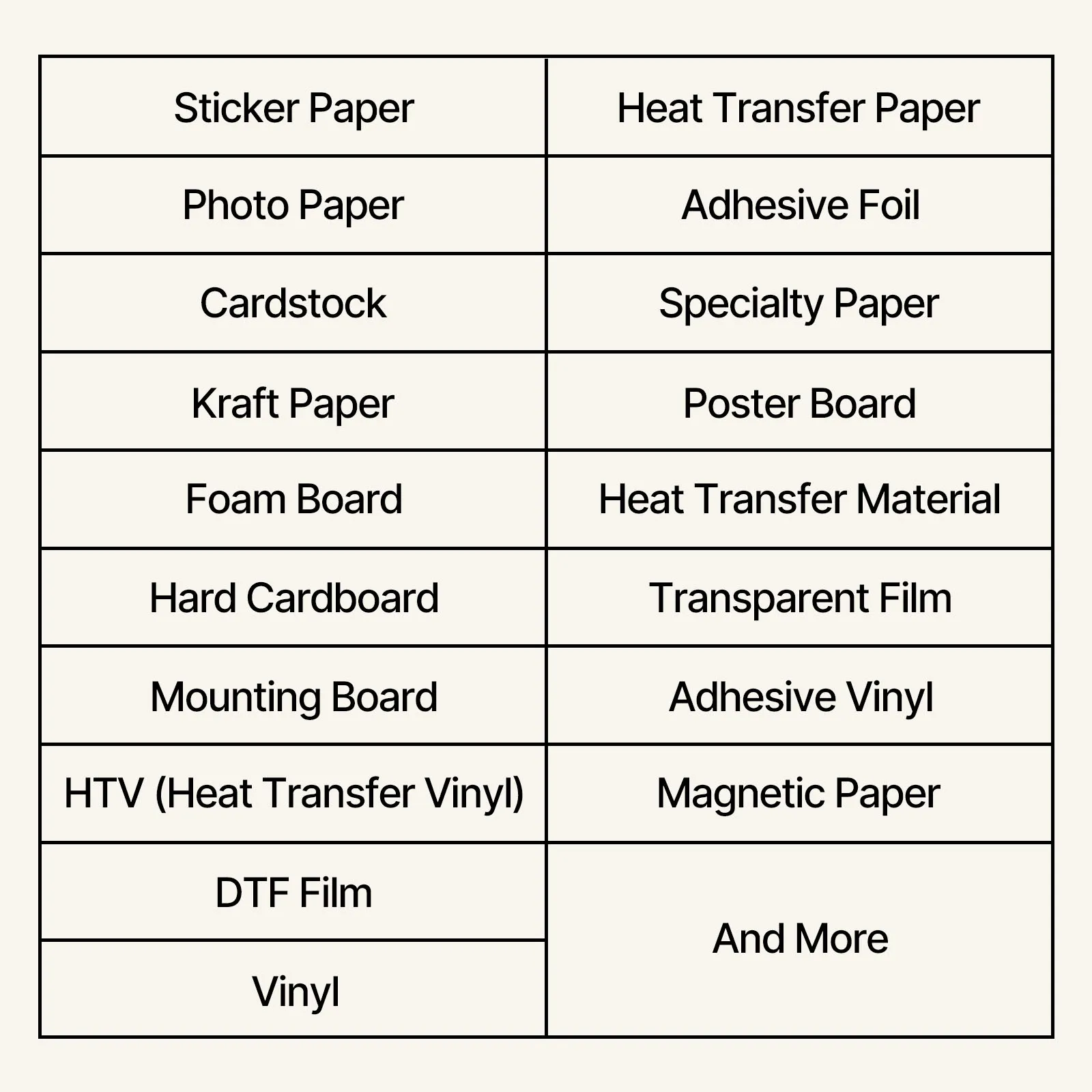
The range of materials that a vinyl cutter plotter can reliably work with directly affects how useful it is for business. This machine can work with vinyl, heat transfer paper, cardstock, foil, and specialty paper on a single platform. It means you don't need to buy separate equipment when production needs change between different substrate types across project categories.
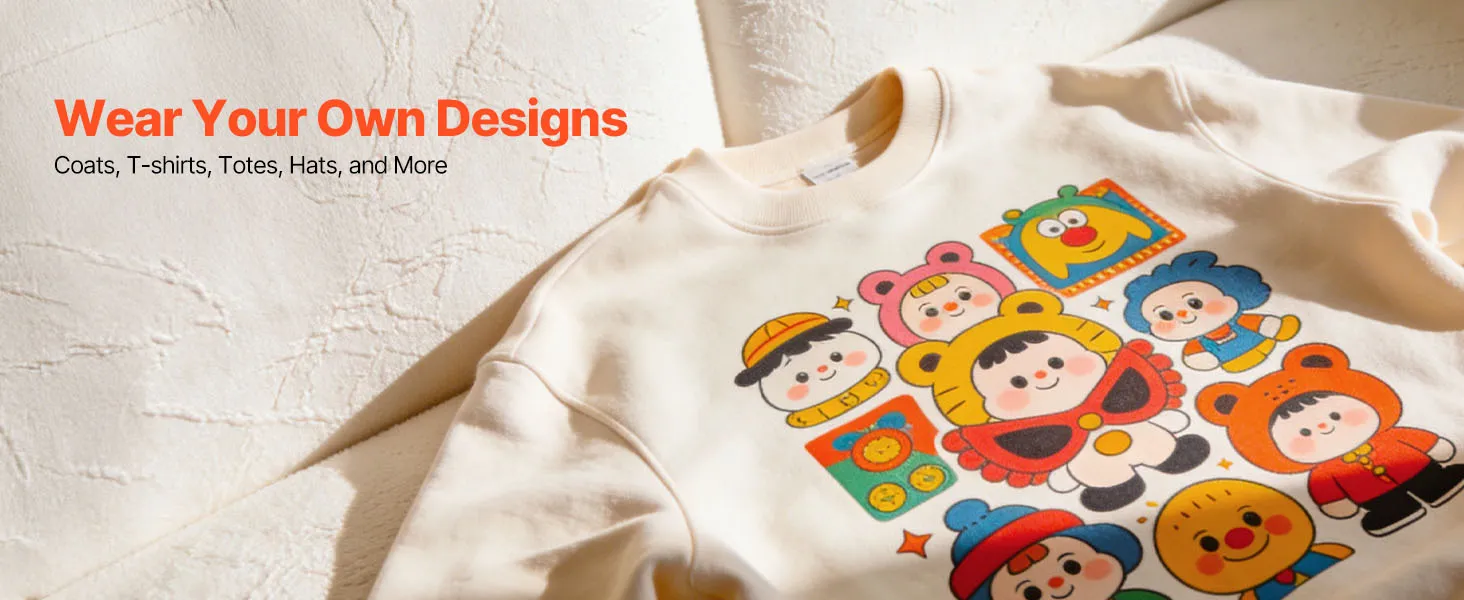
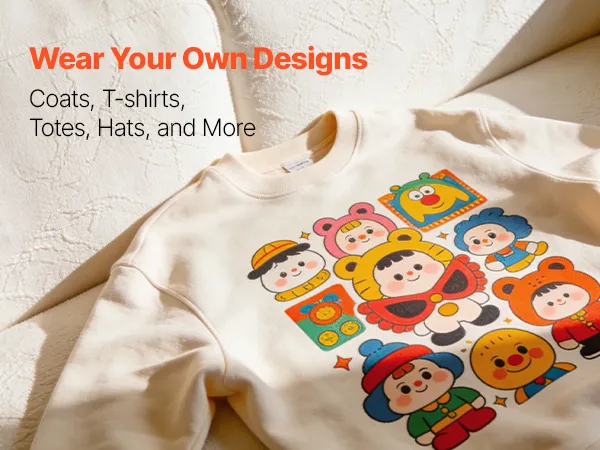
Heat transfer paper works with clothes, which means you can make money by decorating them. You can use a regular iron or heat press to transfer cut graphics cleanly onto t-shirts, tote bags, and hats. Using foil can give stationery, labels, and decorative cards a higher-end finish. It allows for higher-priced product lines that standard vinyl-only plotters can't reach.
Touchscreen Interface Engineering on the VEVOR Vinyl Cutter Plotter Reduces Setup Time and Operator Error Rate
Touchscreen-controlled plotters speed up job setup by combining adjustments for blade pressure, cutting speed, and material type selection into one interactive display. It means that users don't have to go through physical button sequences or desktop software menus for every setting change. This type of interface architecture is very useful in production environments where many different jobs run in a row during a single session.
The visual clarity of a touchscreen display also makes it easier for new operators to learn how to use the vinyl cutter plotter. Visual prompts on the screen take the guesswork out of multi-button control panels. It reduces the likelihood of using the wrong settings on a job, saving money on expensive vinyl or foil stock that would otherwise be wasted due to misconfigured cuts.
Frequently Bought Together
Deals
VEVOR Vinyl Cutting Machine, 305 mm, Touchscreen-Controlled Vinyl Cutter, 20000+ Built-in Design Resources, Compatible with Mac, Windows, Android and iOS, for Creating Customized Crafts Cards, Decor