


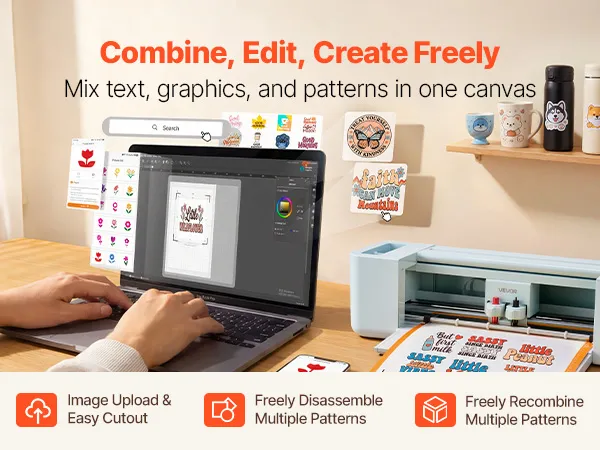
- Includes design software for creating projects without extra costs, online or offline.
- Supports multiple file formats for detailed designs without simplification.
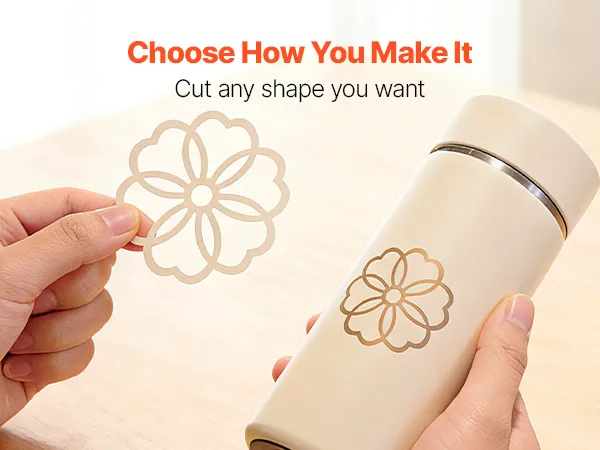
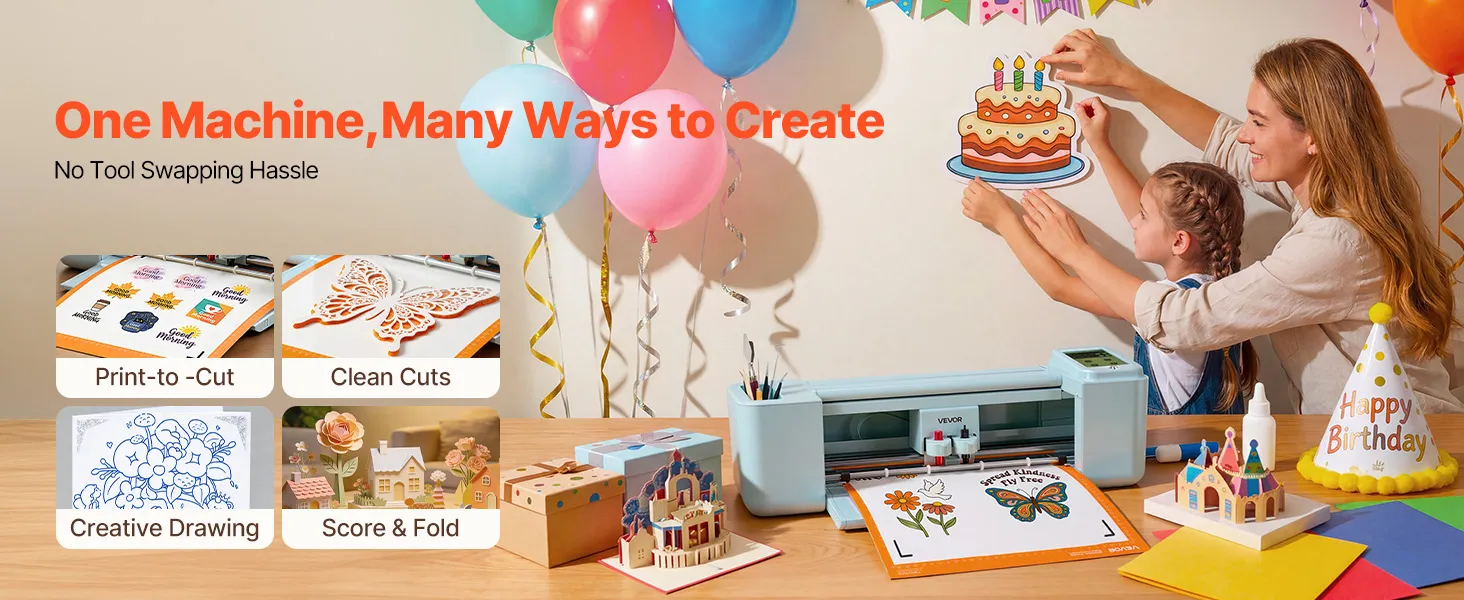
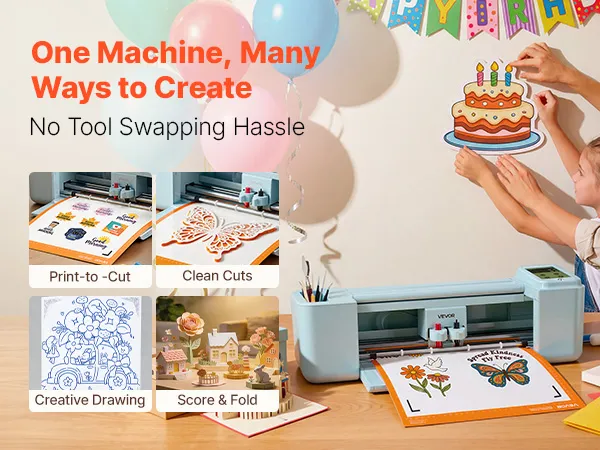
- Cuts, writes, and scores on various materials for versatile DIY projects.
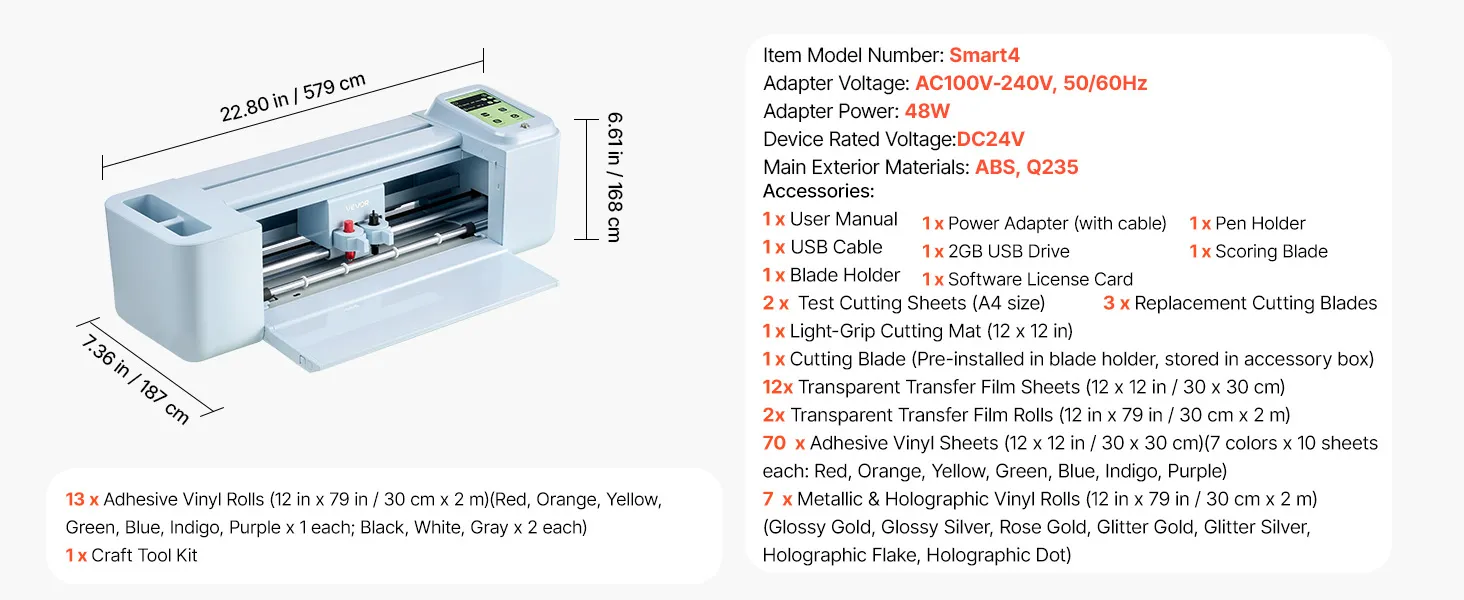
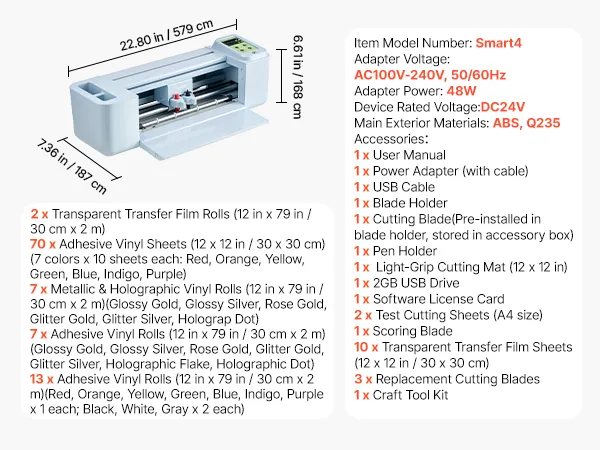
- Item Model Number smart4
- Adapter Voltage AC100V-240V, 50/60Hz
- Adapter Power 48W
- Device Rated Voltage DC24V
- Main Exterior Materials ABS, Q235

About this item
Electronic Vinyl Cutting Machine with Touchscreen Control and 305 mm Width
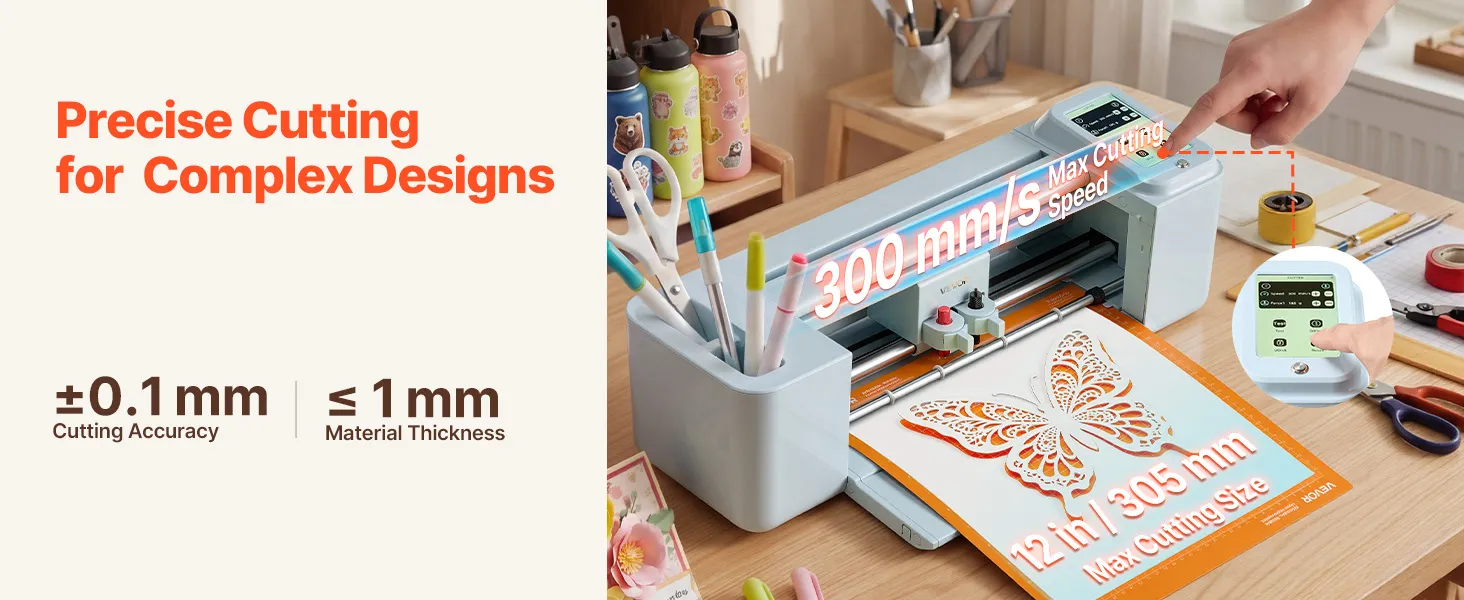
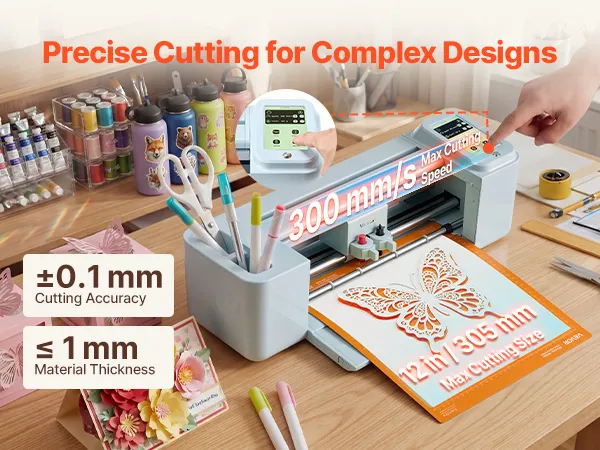
This electronic vinyl cutting machine features a responsive touchscreen interface for simple operation. The touchscreen provides quick access to settings and functions without using physical buttons. Standard 12-inch crafting mats fit within the 305 mm cutting width, which covers the material sizes used in most vinyl and paper crafting formats.
The compact ABS and Q235 body is desktop-sized for use in a home workshop or small workspace. With an input voltage of AC100–240V and a power draw of 48W, the machine can run on normal household current in outlets in Europe and other countries without the need for a special circuit or power adapter. The touchscreen offers intuitive control for selecting tools and adjusting settings.
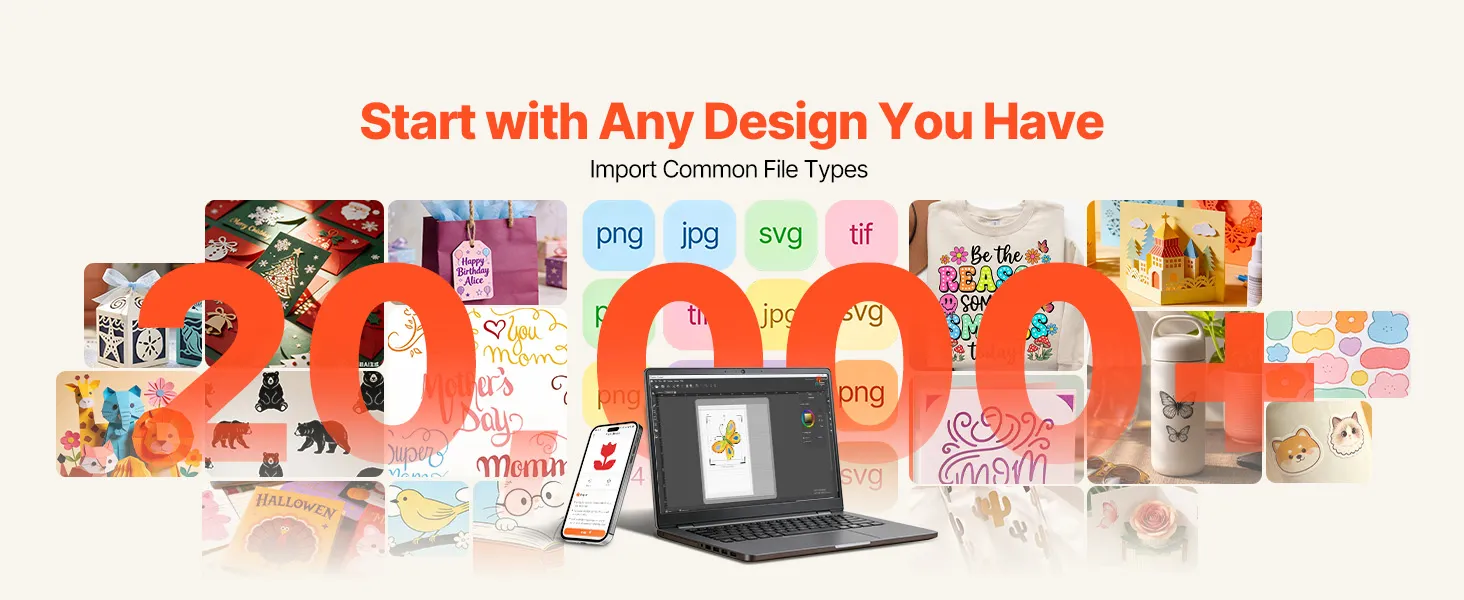
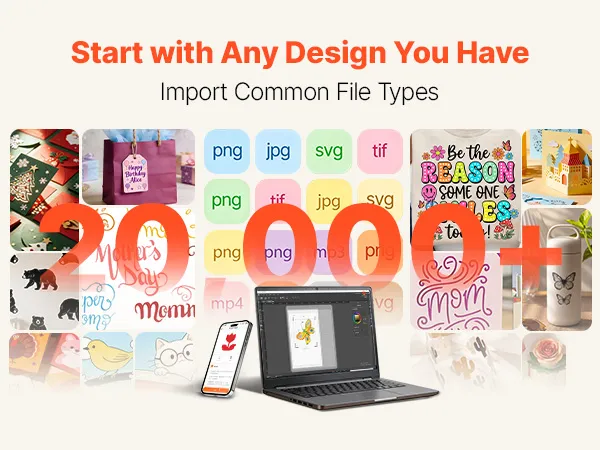
20,000+ Built-In Design Resources with No Subscription Required
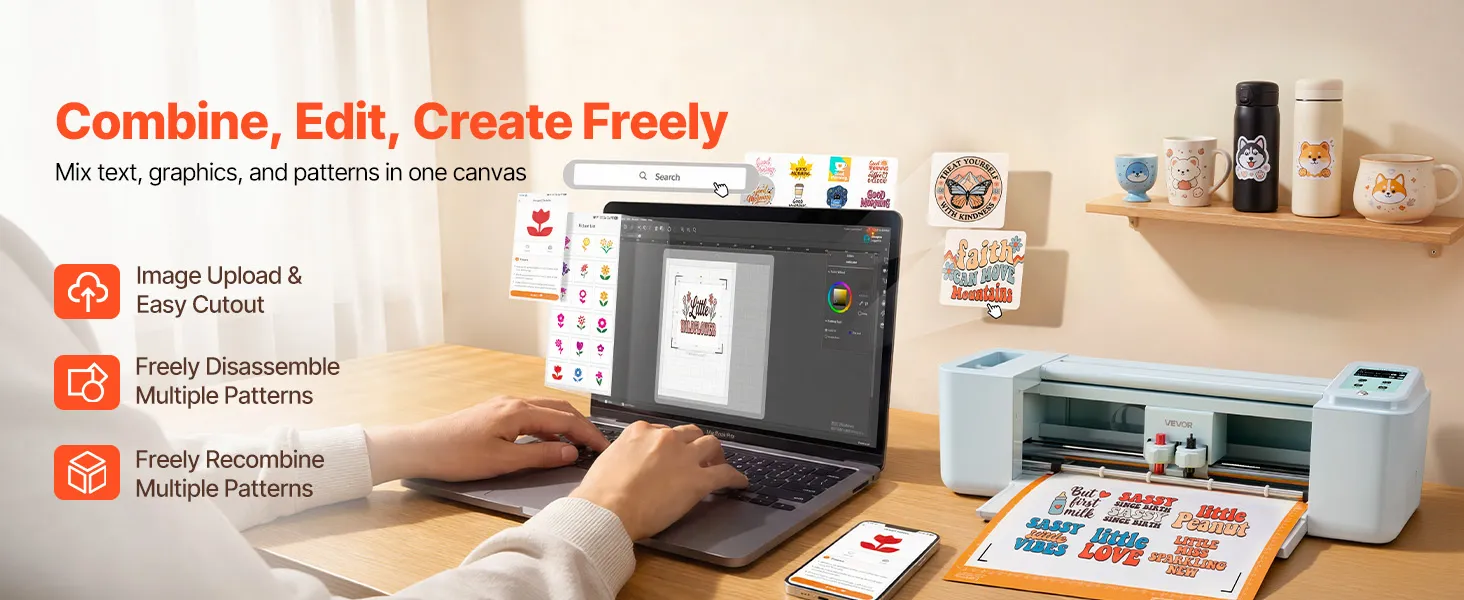
The design software includes more than 20,000 graphics, fonts, shapes, and templates. You can use them without subscribing or paying a monthly fee. The included software provides access to more than 20,000 built-in resources without requiring a subscription.
The no-subscription model helps reduce ongoing software costs. This is useful for people who work in places with poor Wi-Fi or who prefer to work offline. The no-subscription model helps reduce long-term software costs.
Cut, Write, Draw, and Score in One Electronic Vinyl Cutting Machine
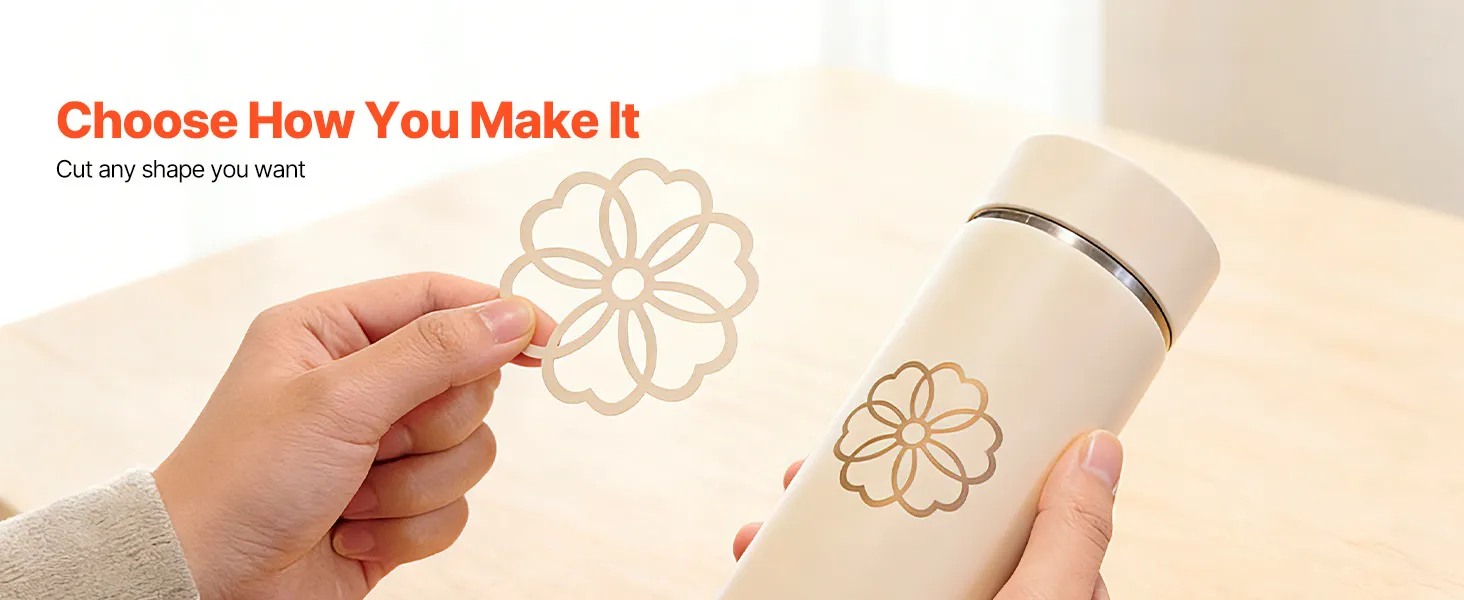
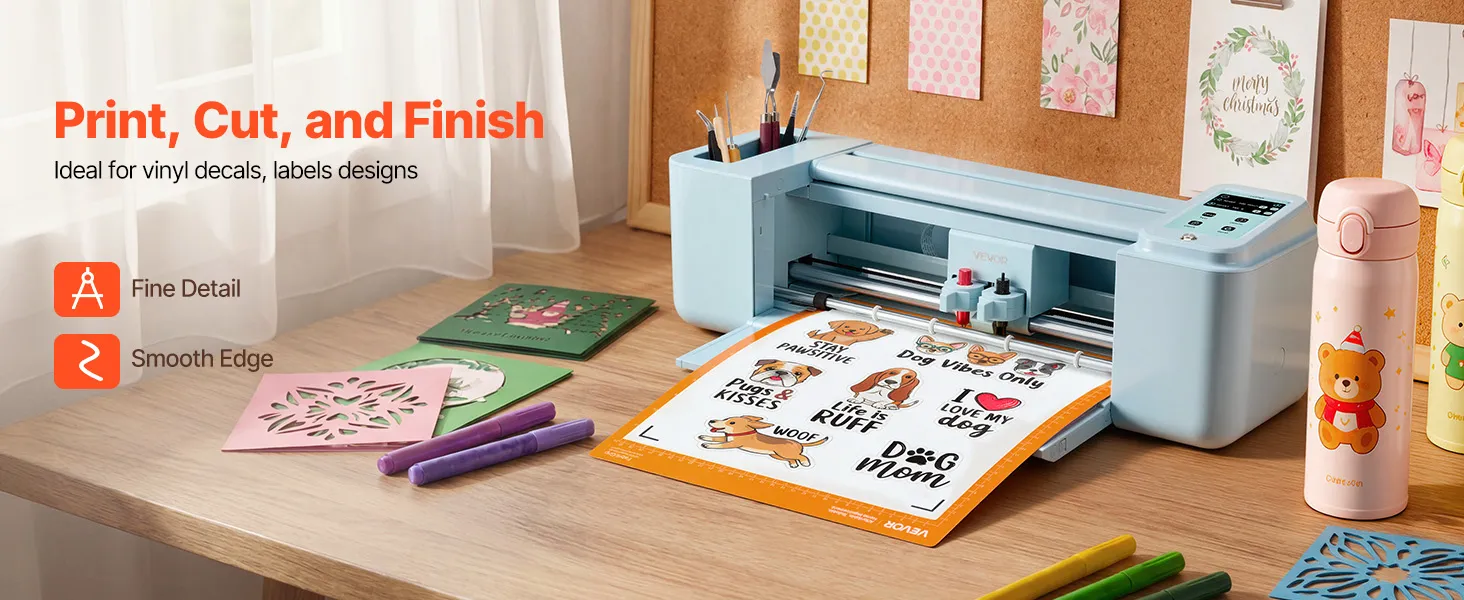
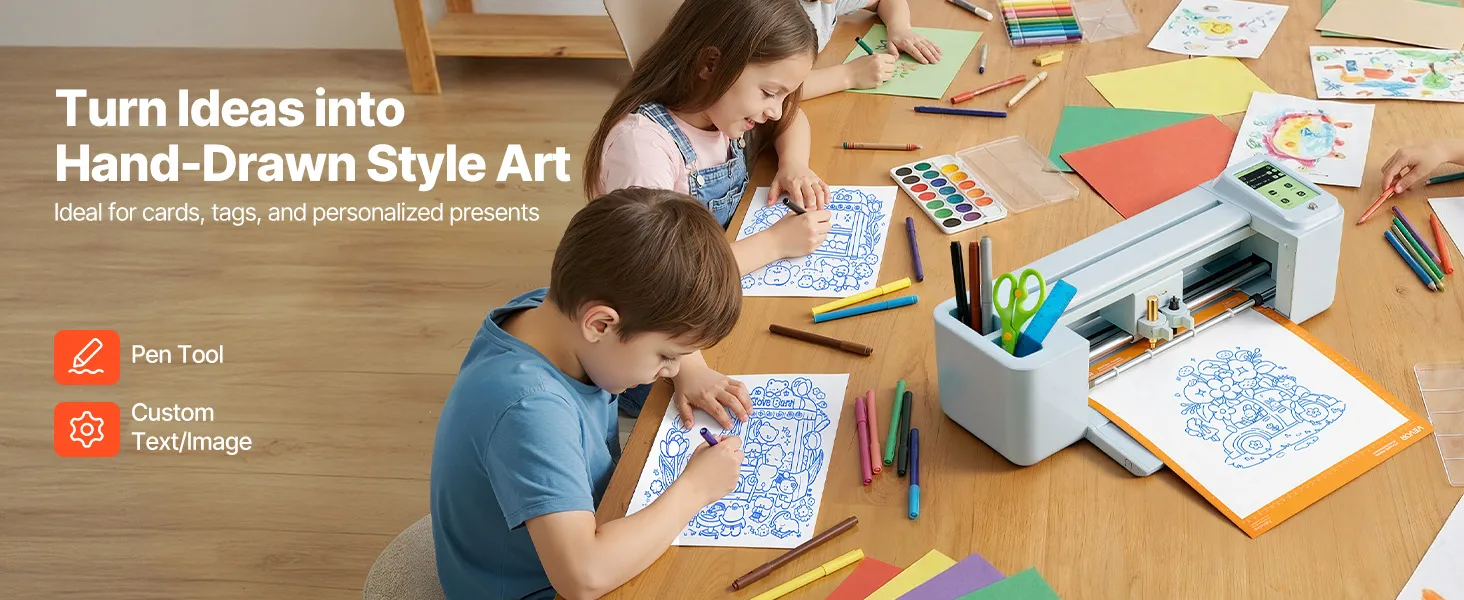
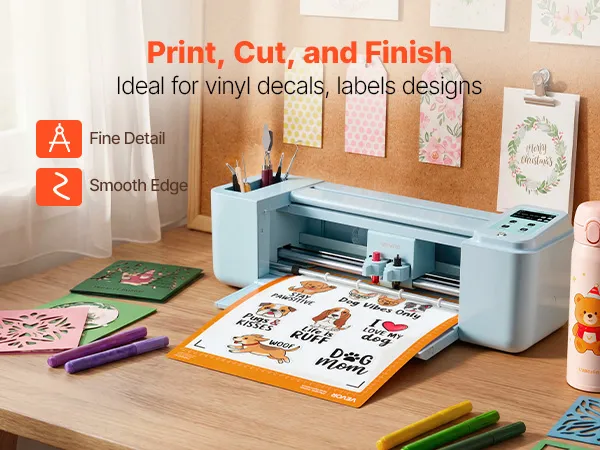
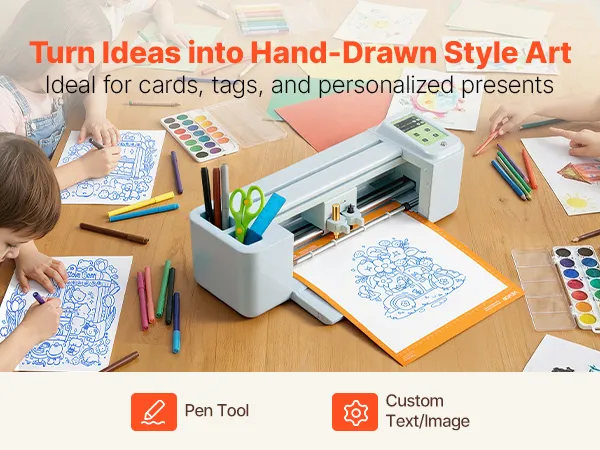
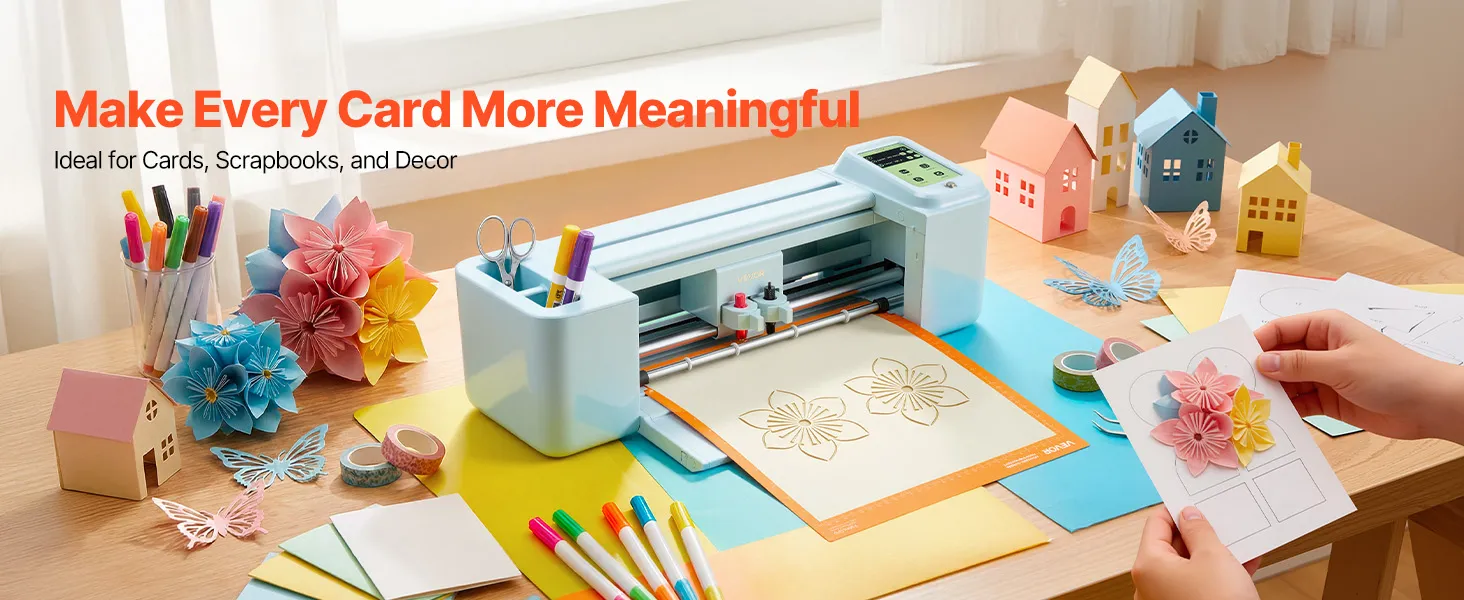
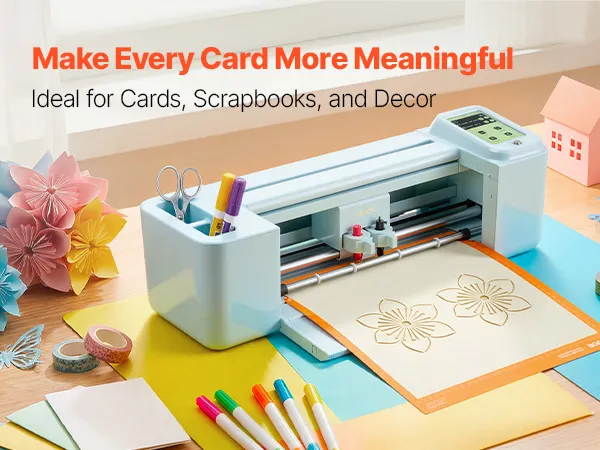
This 4-in-1 electronic vinyl cutting machine supports cutting, writing, drawing, and scoring for a wide range of craft projects. With clean edges and a consistent blade depth, the cutting function can handle vinyl decals, heat transfer graphics, and paper shapes. With the pen tool in the writing and drawing function, you can add handwritten text, details, and drawn elements directly to paper and cardstock projects without having to switch to a different device.
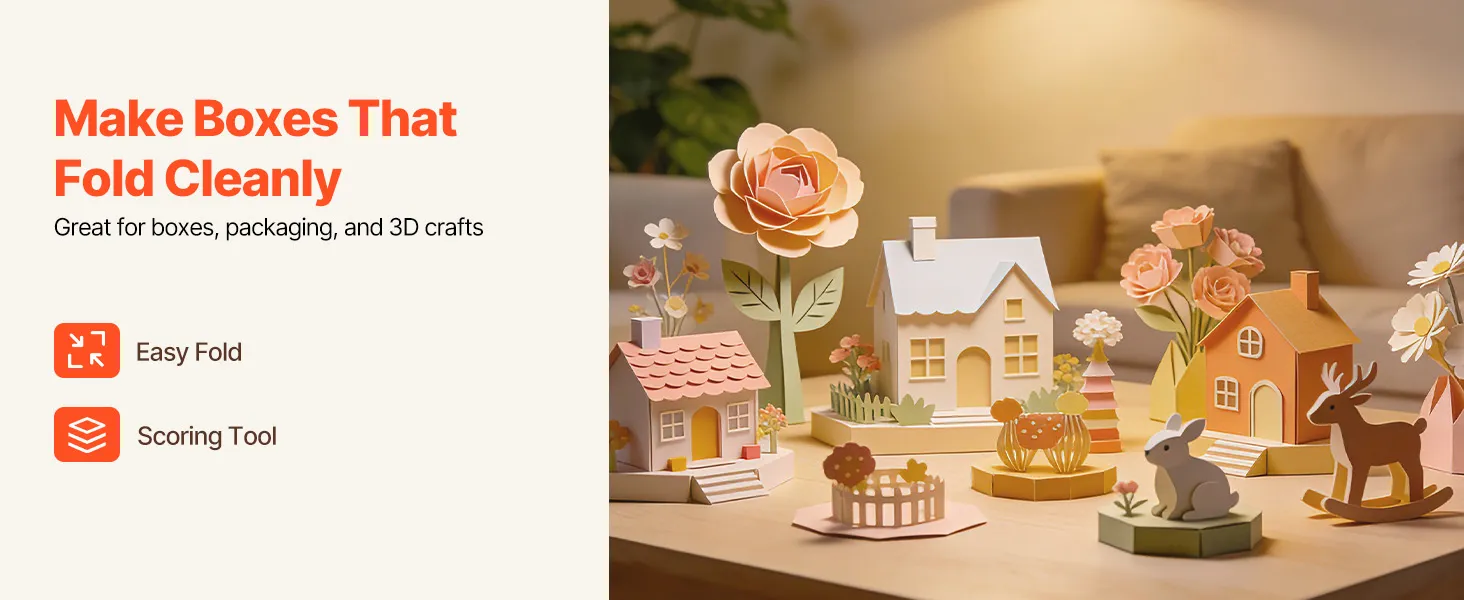
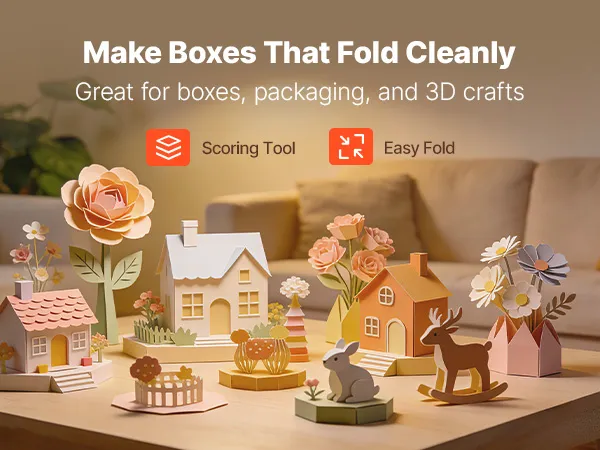
The scoring feature creates fold lines that make cardstock and specialty paper easier to fold by hand. Scoring creates accurate fold lines for cleaner paper assembly. These functions eliminate the need for multiple machines. This feature makes it easier for people who do many different kinds of making at home.
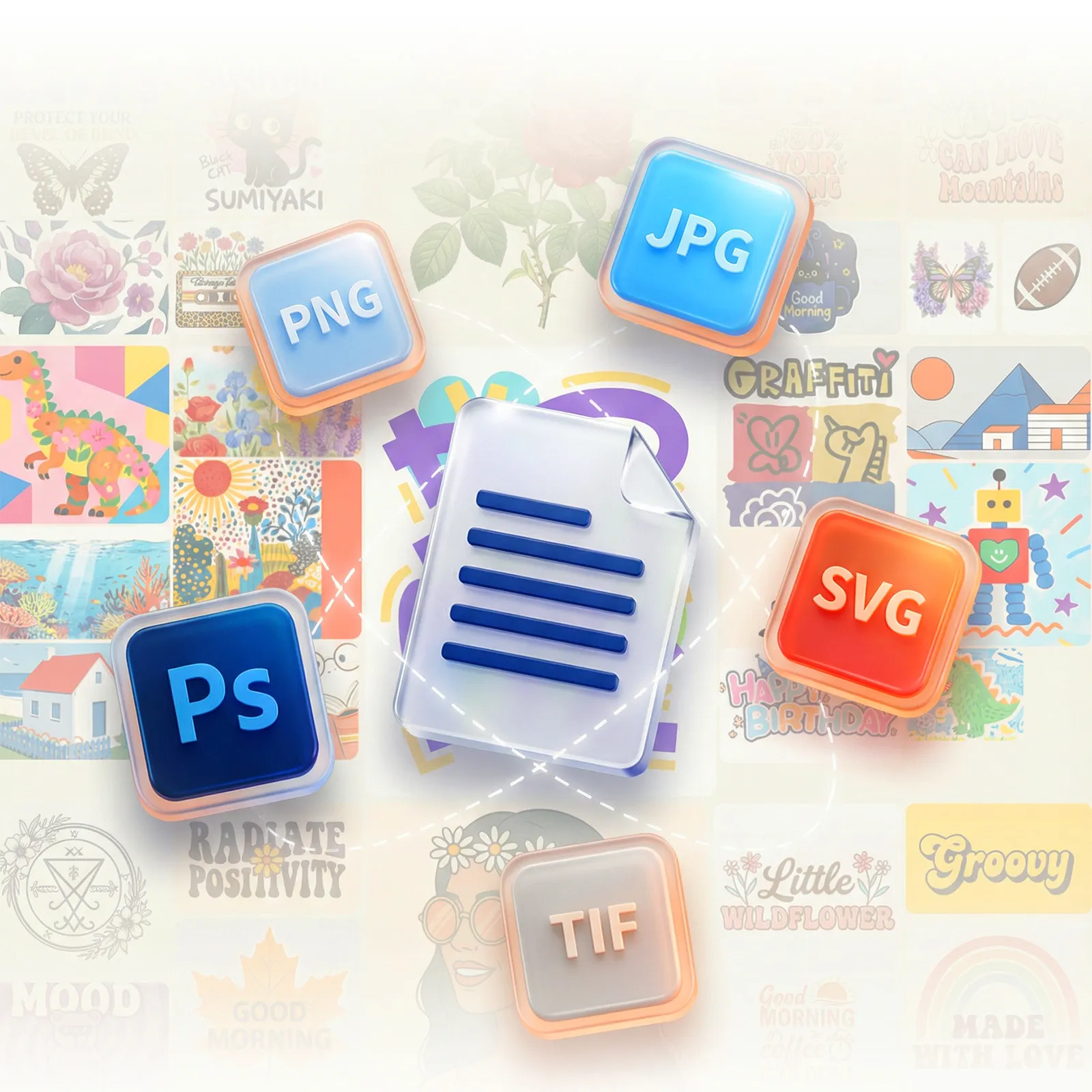
PNG, JPG, SVG, and TIF Import for Precise Multi-Format Design Work
PNG, JPG, SVG, and TIF are the four file types that cover most of the image formats a creator works with in design software, online asset libraries, and photography apps. As a native format for vector graphics used in professional design tools, SVG lets you import artwork of any size without losing quality. PNG supports transparent backgrounds, while TIF is suitable for high-resolution raster images. The JPG format is the most common format for importing images for web and photography use.
When you support multiple formats, you do not have to convert files before importing them, which can be a problem on machines that can only read SVG or proprietary formats. Multiple file formats help streamline the workflow from design to cutting.
USB, Bluetooth, and USB Drive Connectivity Across Mac, Windows, iOS, Android
There are three ways to connect: via USB cable, Bluetooth, or USB drive. These work for all kinds of situations, from working at a desk to crafting on a computer. A USB cable from a laptop or desktop makes a stable wired link. Bluetooth lets you use a phone or tablet wirelessly from anywhere in the office, without worrying about cables. A USB drive allows compatible files to be transferred directly to the machine without a continuous device connection.
Cross-platform compatibility includes Mac, Windows, Android 5.1+, and iOS 11.0+, which are common operating systems used in homes and small studios. A designer who works on a Mac laptop, an iPad, and a Windows desktop can all use the same machine on all three. There are no driver conflicts, proprietary connection requirements, or operating system restrictions that say which device can control the machine.
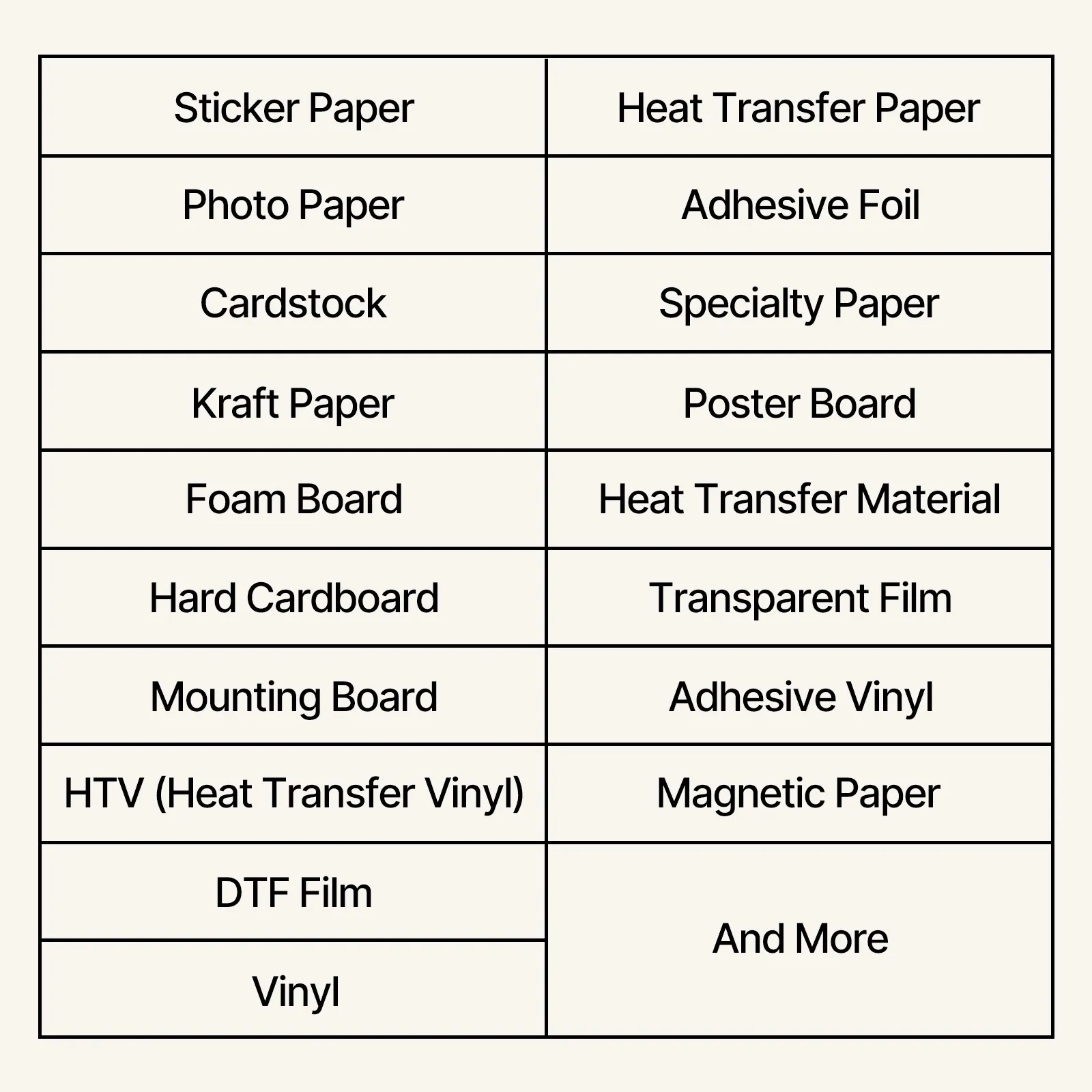
Vinyl, Cardstock, Foil, and Heat Transfer Paper Material Compatibility
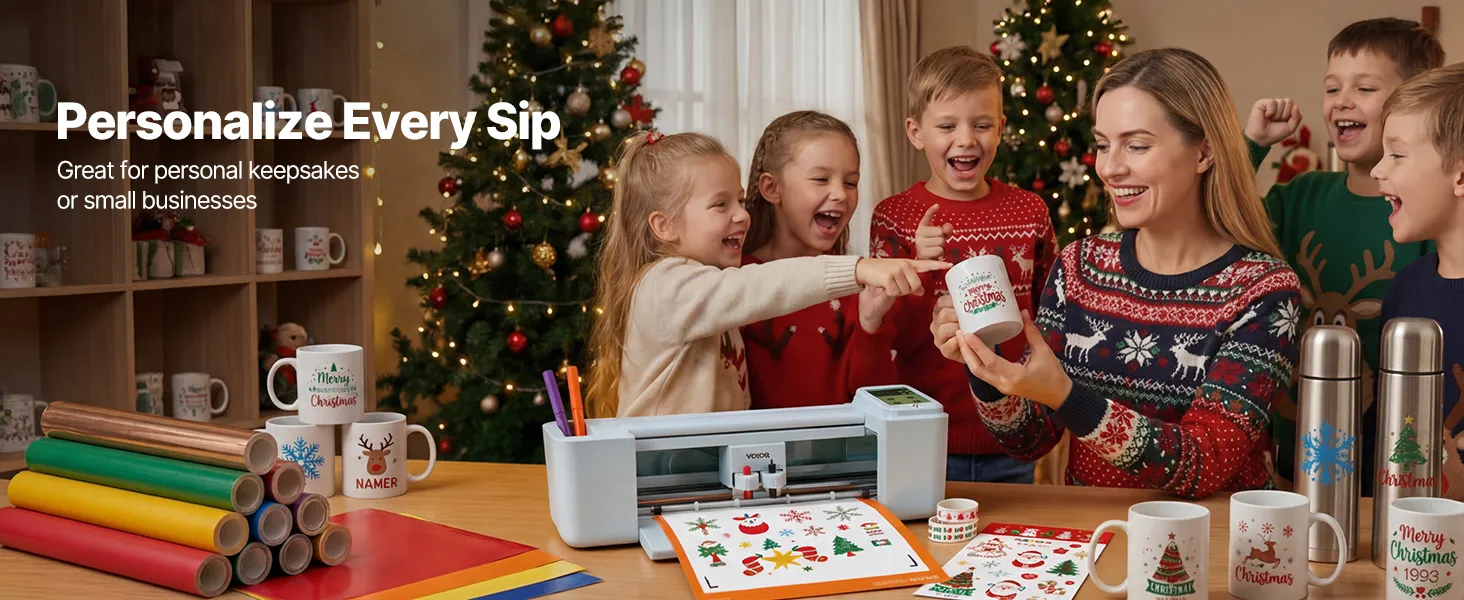
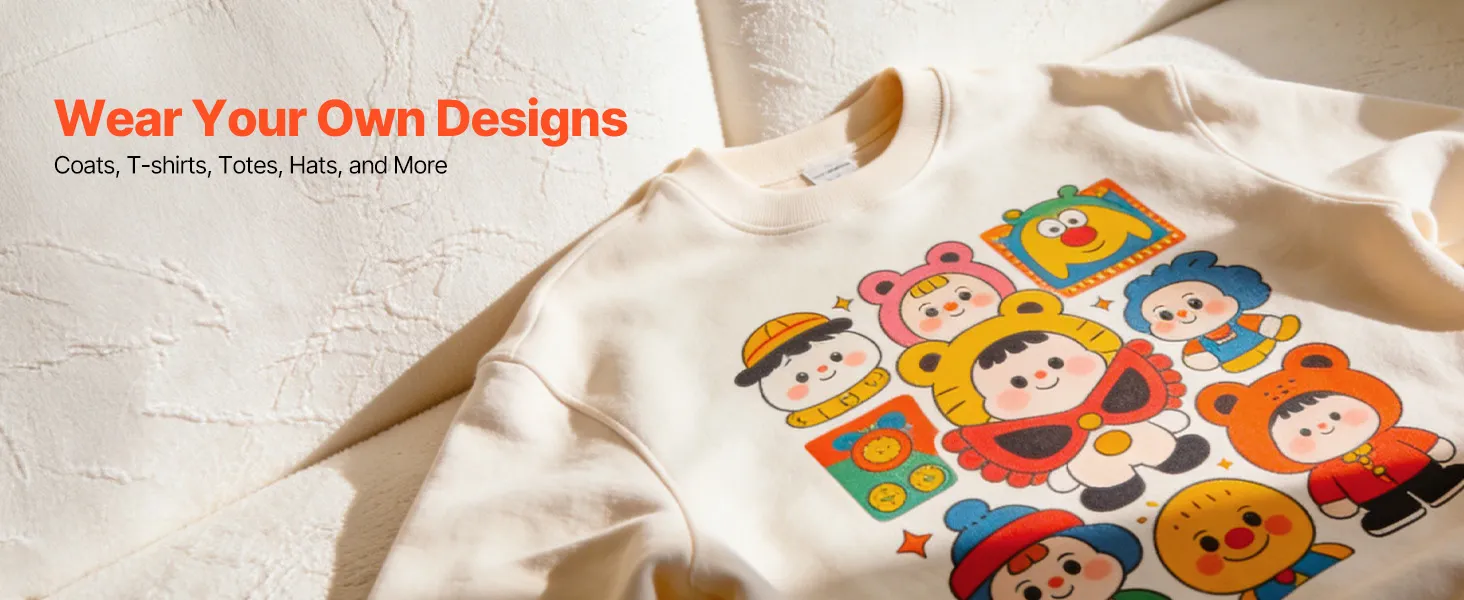
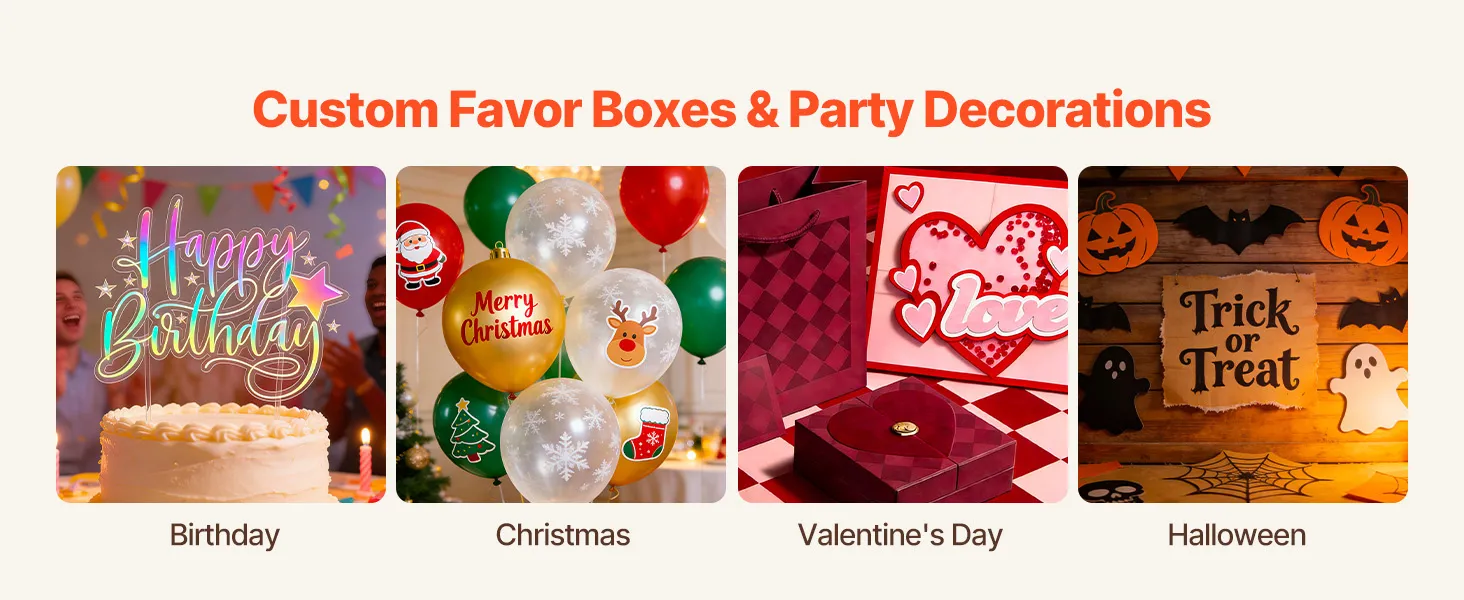
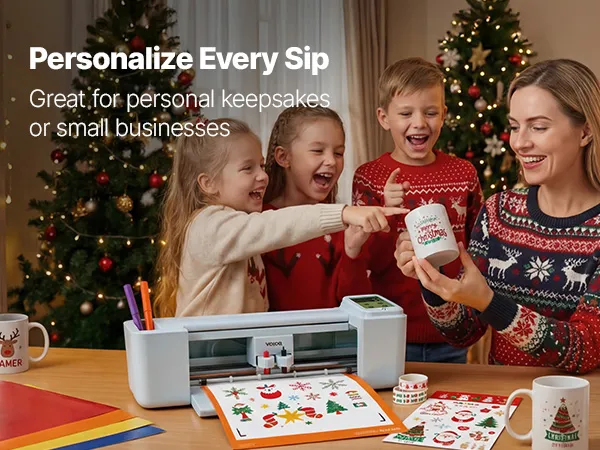
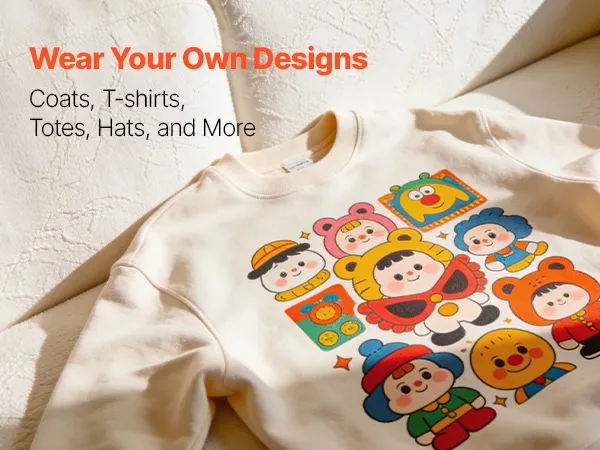
The machine handles vinyl for adhesive decals and stickers, heat transfer paper for garment and fabric decoration, cardstock for greeting cards and paper crafts, and specialty papers for detailed cutting work. These materials cover the five most common types of DIY crafting, so you can use the same machine to make stickers for cars, personalized clothes, handmade cards, foil-accented decorations, and detailed paper cutouts.
Mat-based material compatibility: the machine does not use a roll-feed method but instead uses a 12x12 cutting mat. When working with sheet materials and pre-cut mat-sized pieces, which is the usual format for the listed types of materials, the machine works well. In designs that need precise alignment across the cut area, the mat format ensures consistent material registration. This approach is especially important for layered vinyl projects and multi-element paper cutting, where accurate registration affects the final assembled result.
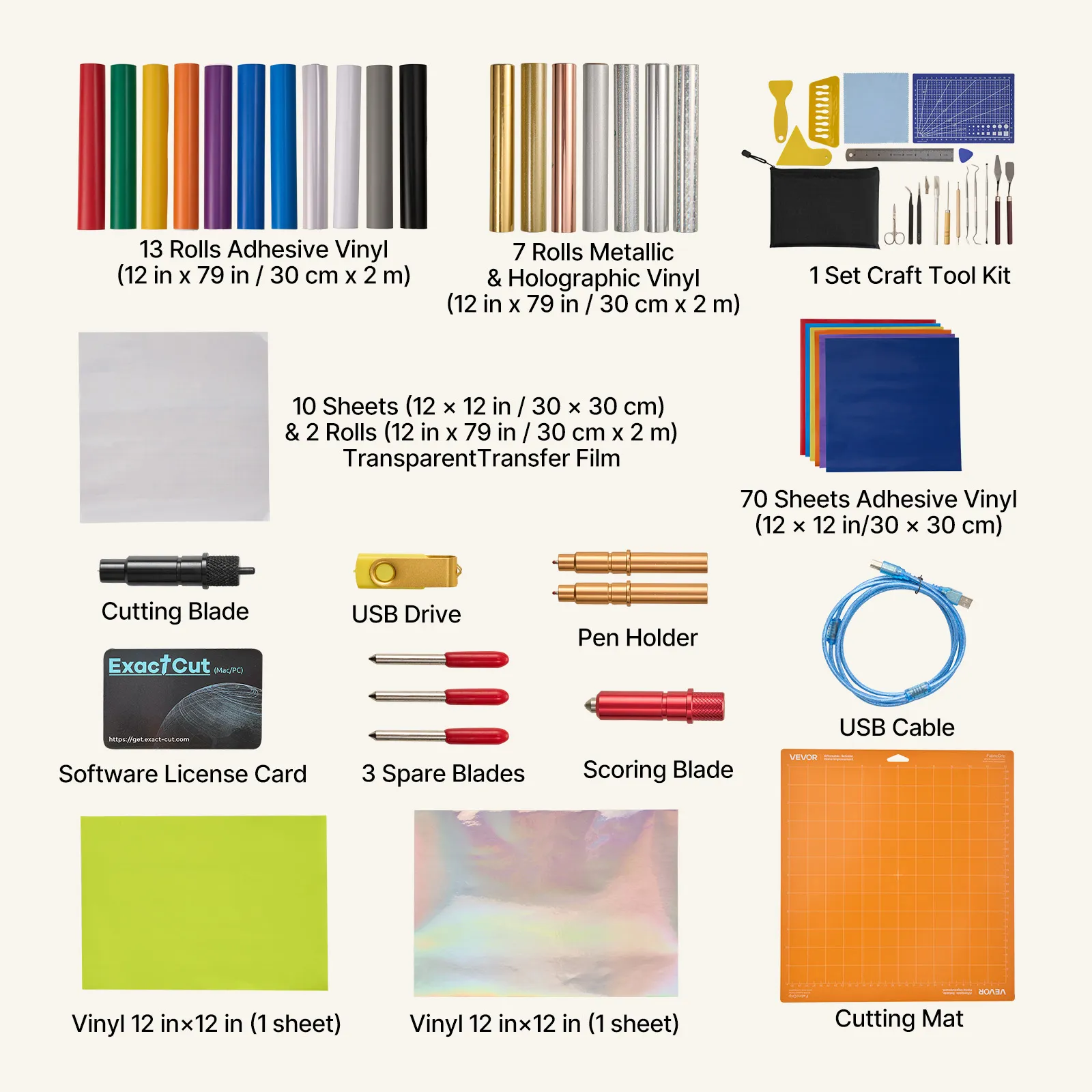
Complete Starter Kit with Materials and Tool Kit Included in the Box
This model is the set version of the machine. It comes with a materials pack and a tool kit. You do not have to go shopping for starter supplies separately because the machine comes with all the materials and tools you need to use it right away. The included materials let you start creating immediately. You do not have to worry about finding supplies compatible with the machine before you start your first project.
The starter kit format also makes it easier to see if the materials will work with the machine. The included materials let you begin your first project immediately. With its touchscreen interface, no-subscription software, and more than 20,000 built-in designs, this electronic vinyl cutting machine comes with everything you need to use it right away as a creative tool.
Frequently Bought Together
Fall Upgrade
VEVOR Vinyl Cutting Machine, 305 mm, Touchscreen-Controlled Vinyl Cutter with Materials and Tool Kit, 20000+ Built-in Design Resources, Compatible with Mac, Windows, Android, iOS, for Customized Cards